 BurdMail
How do I create a BurdMail account?
It's free and takes about a minute. You need a username, your email address and a password.
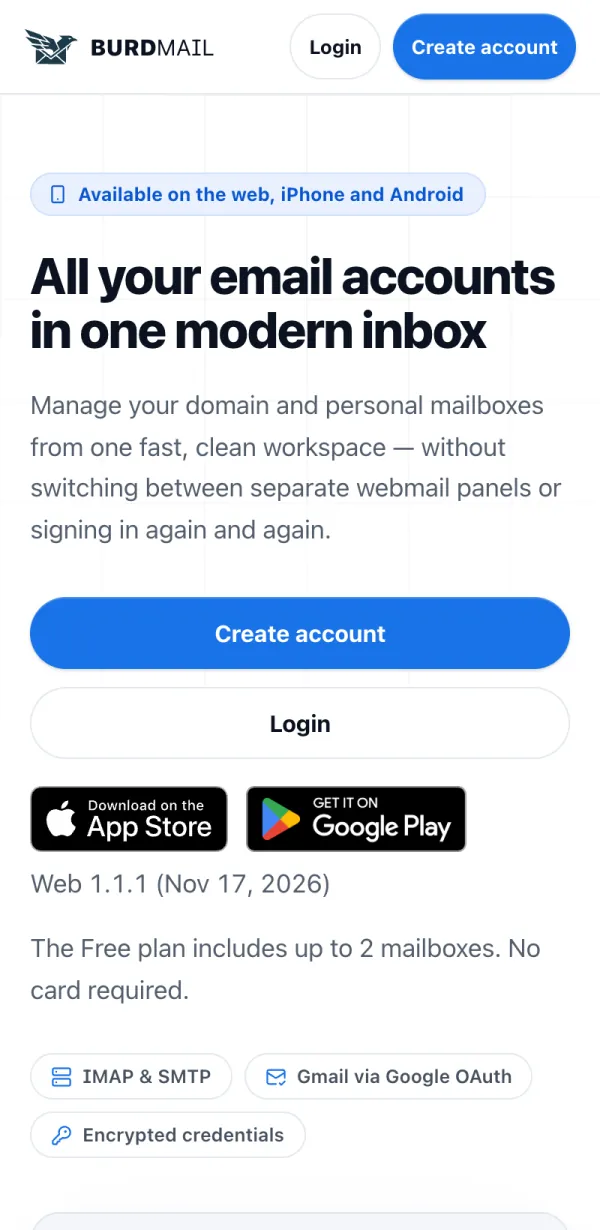
Open burdmail.com and tap Create account.
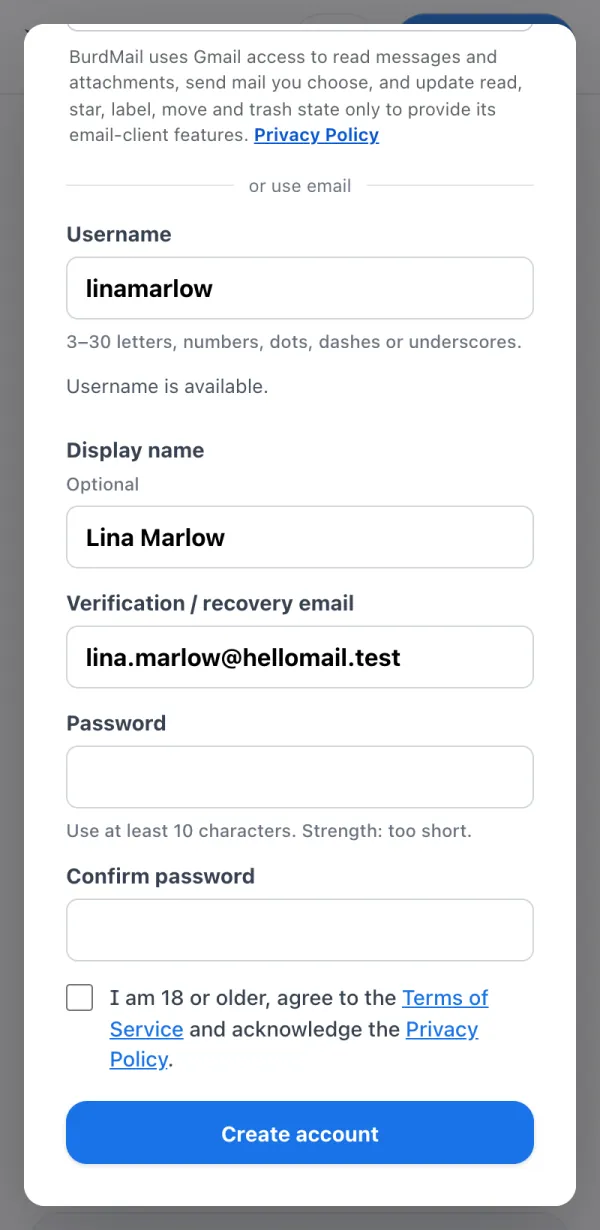
Choose a Username, add a Display name if you like, and enter your own email address under Verification / recovery email.
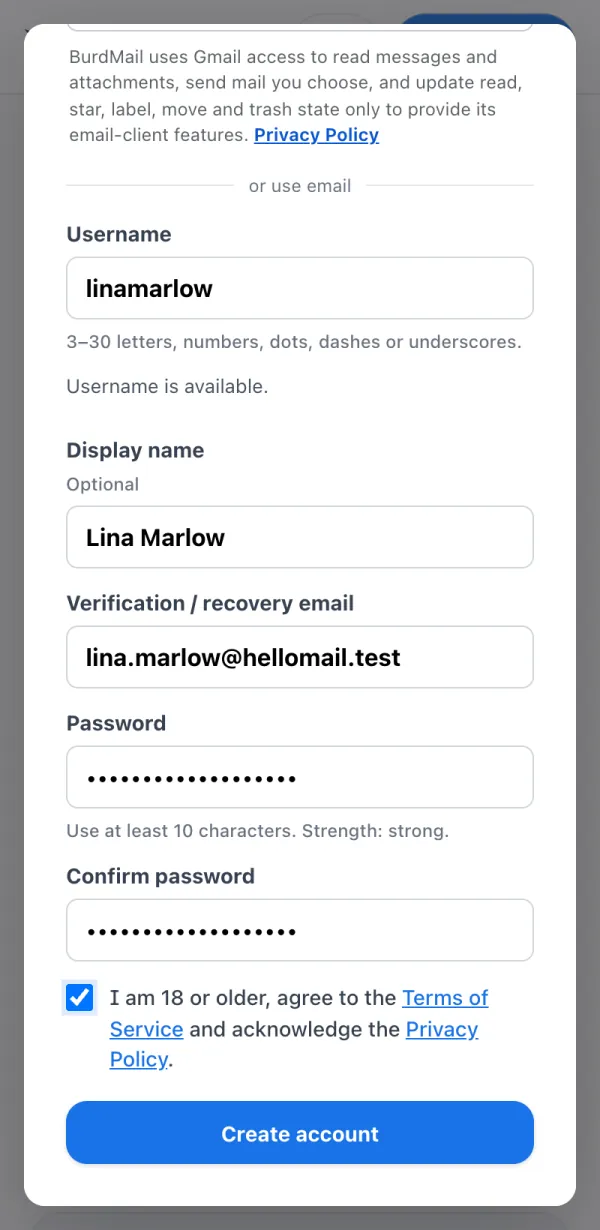
Pick a Password with at least 10 characters and type it again. Tick the box to confirm you are 18 or older and accept the terms, then tap Create account.
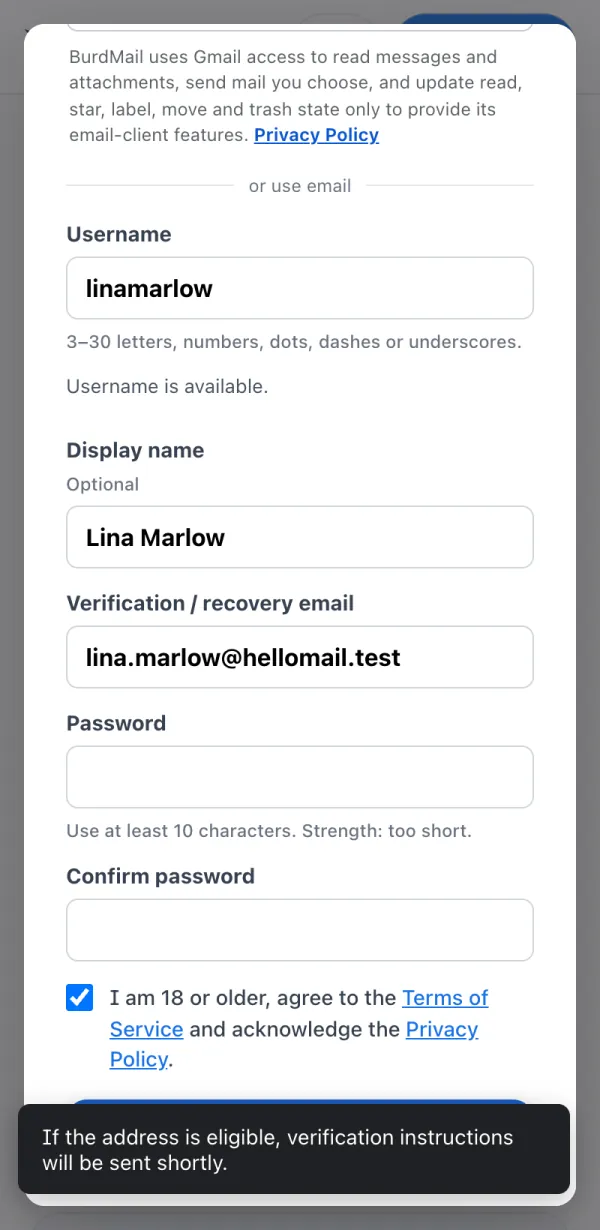
BurdMail sends you a verification email. Open your inbox.
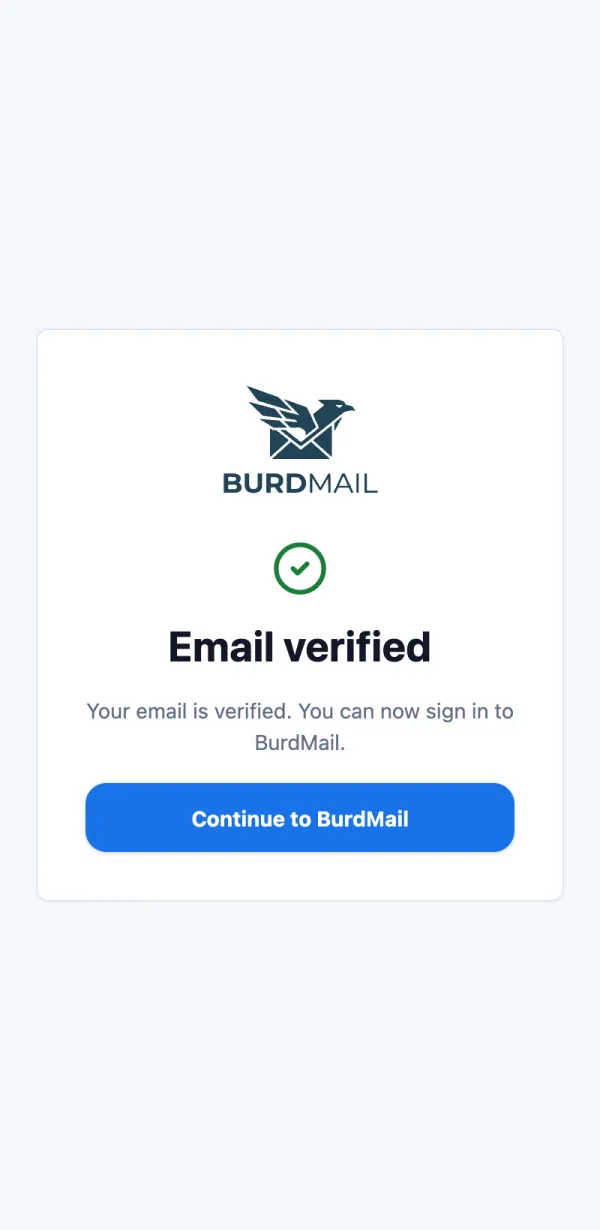
Tap Verify email address in that email (it works for 60 minutes). When you see Email verified, you can sign in.
If it doesn't work
- Prefer Google? Tap Continue with Google instead. See Can I sign in with Google?
- No email? Look in your spam folder, or see I didn't get the verification email.