 BurdMail
Can I sign in with Google?
Yes. Continue with Google signs you in and adds that Gmail mailbox to BurdMail in one go.
Tap Continue with Google and choose your Google account.
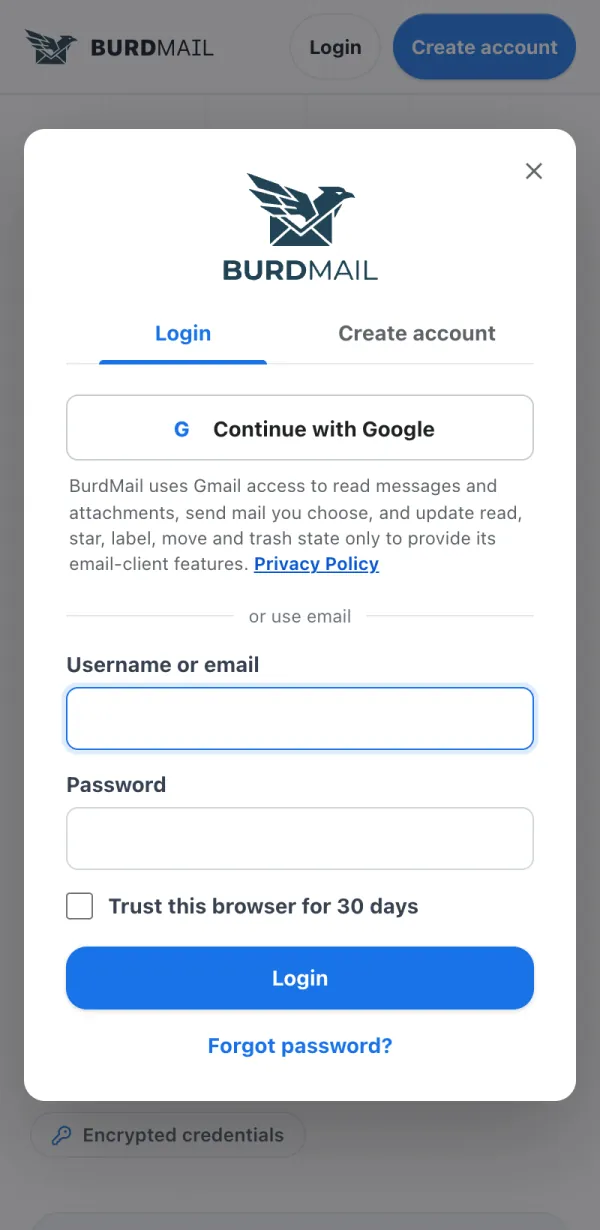
The first time, BurdMail asks you to choose a username and a separate BurdMail password. Never reuse your Google password.
If your Gmail inbox does not appear after sign-in, add it once more: see How do I add my Gmail?
If it doesn't work
- Your Google address already has a BurdMail account? BurdMail asks for that account's password to link them. Accounts are never merged by email alone.