 BurdMail
How do I move mail to a folder?
Move a message from the open message, and create folders in the side menu.
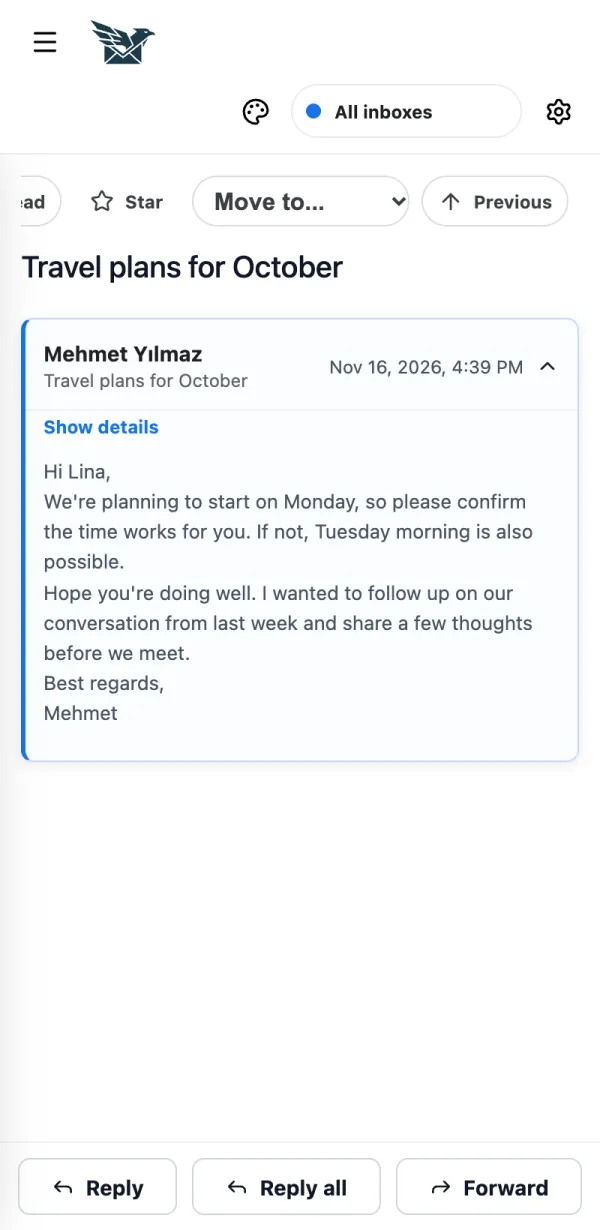
Open the message and tap Move (on a computer: Move to...), then pick a folder or category.
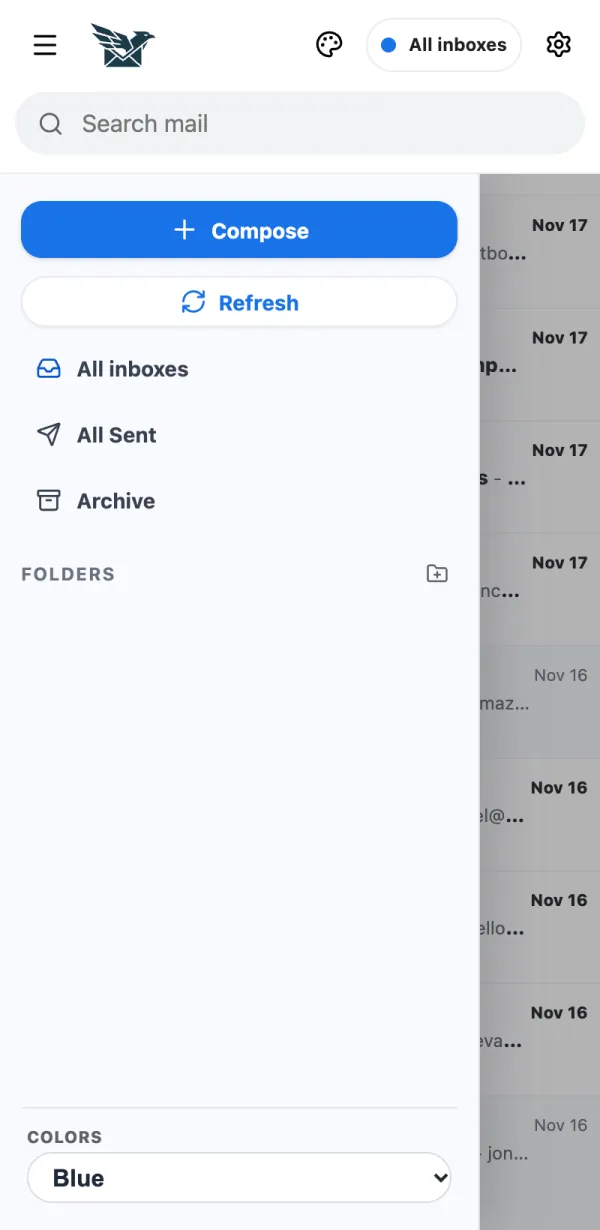
To make a new folder, open the side menu and tap the folder button next to Folders.
If it doesn't work
- Folders belong to one mailbox: pick the mailbox in the menu at the top first.