 BurdMail
How do I add an iCloud, Yahoo, company or domain mailbox?
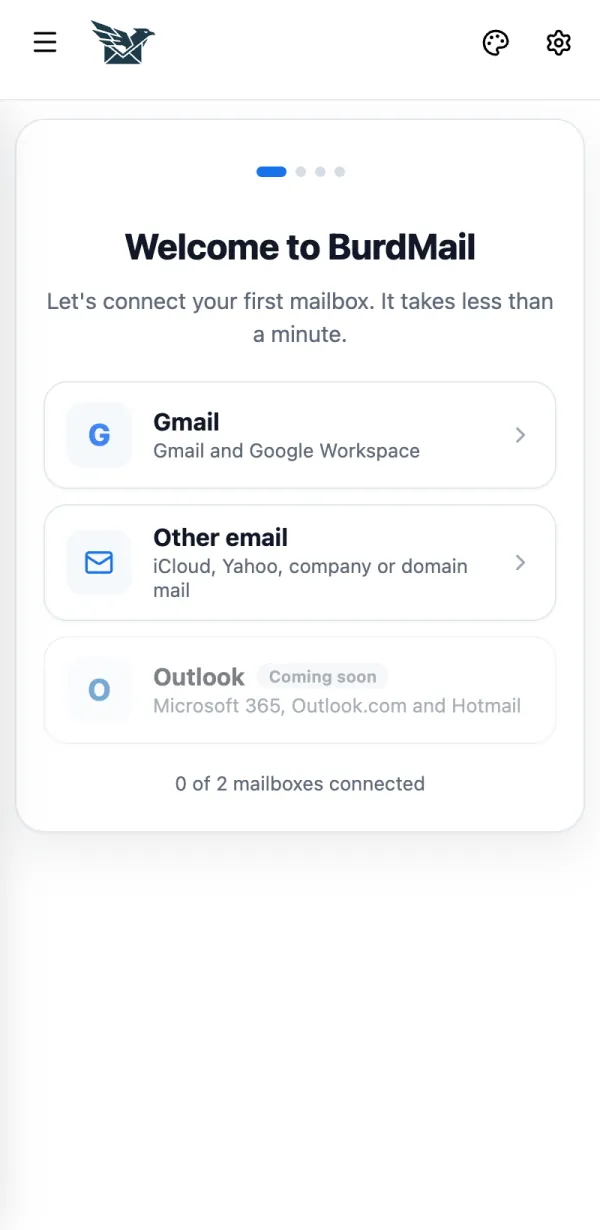
Choose Other email. BurdMail finds the server settings for you.
Tap Other email.
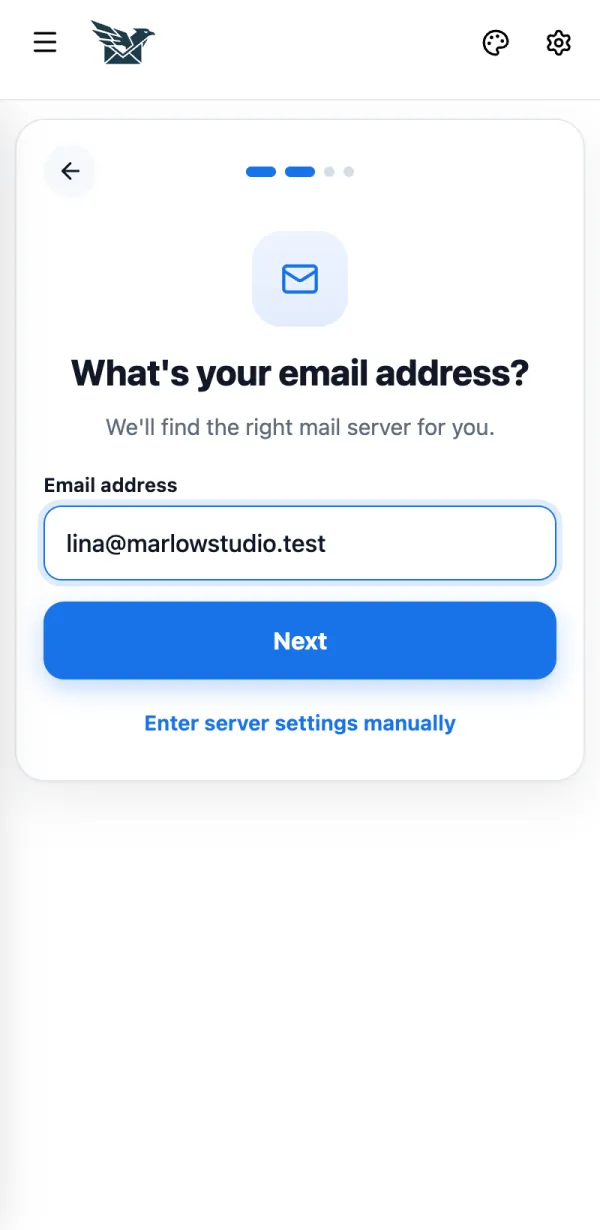
Type your email address and tap Next.
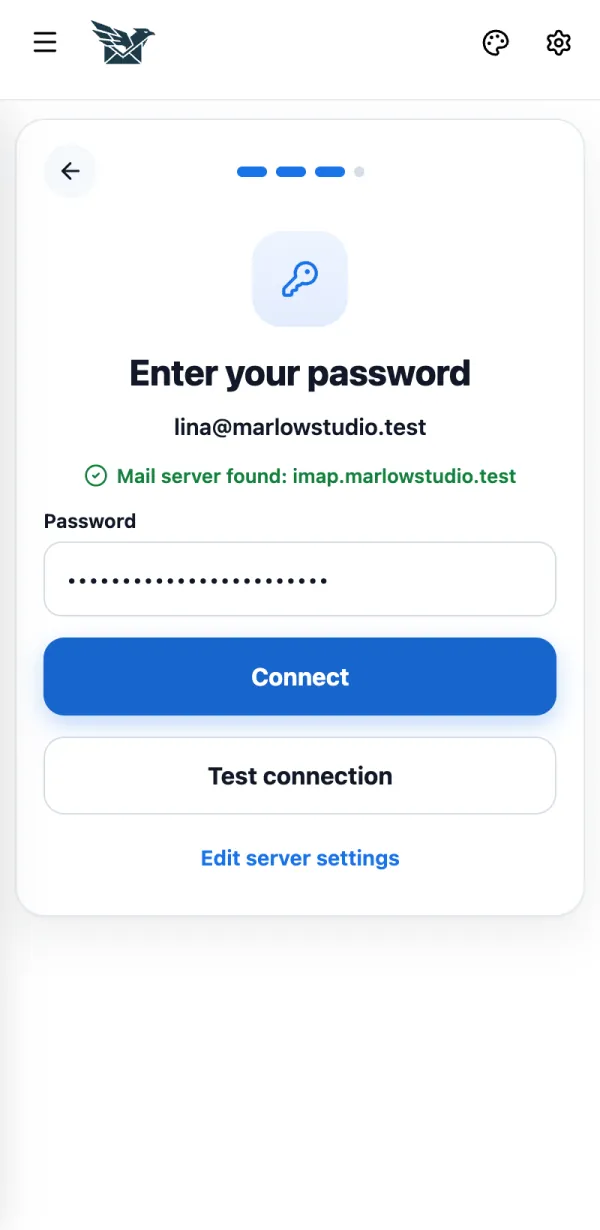
When you see Mail server found, enter your email password and tap Connect.
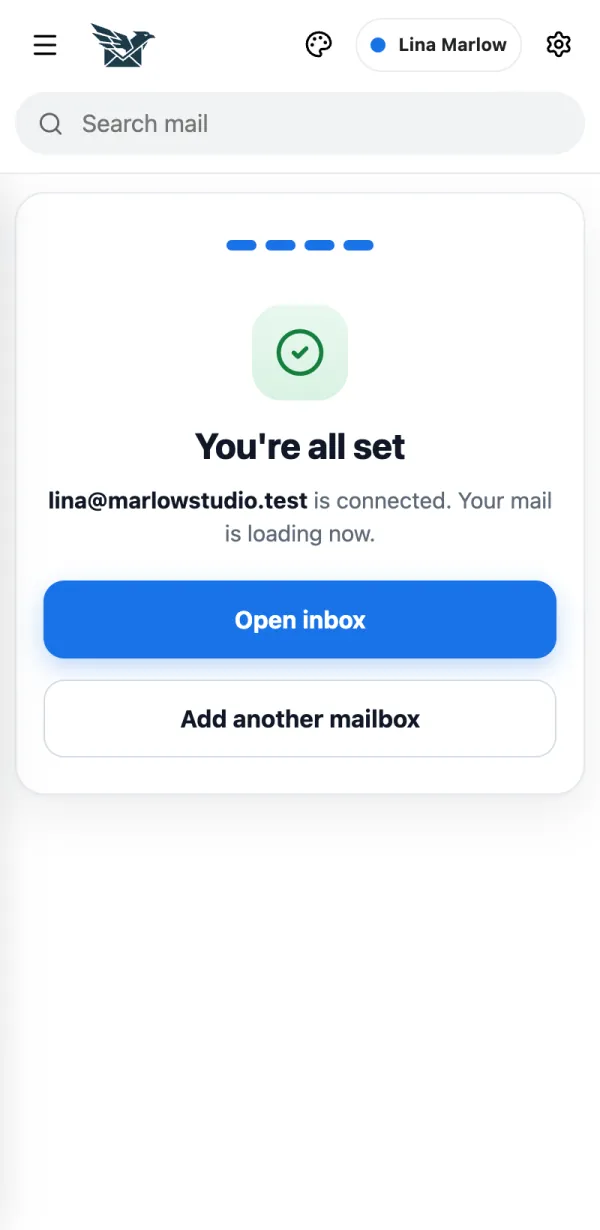
You're all set. Tap Open inbox. Your mail starts loading.
If it doesn't work
- iCloud, Yahoo and AOL need an app password. See My provider asks for an app password.
- Server not found? See How do I enter server settings myself?