 BurdMail
How do I enter server settings myself?
Use this if BurdMail can't find your mail server. Your email provider or hosting company lists these settings.
Tap Enter server settings manually.
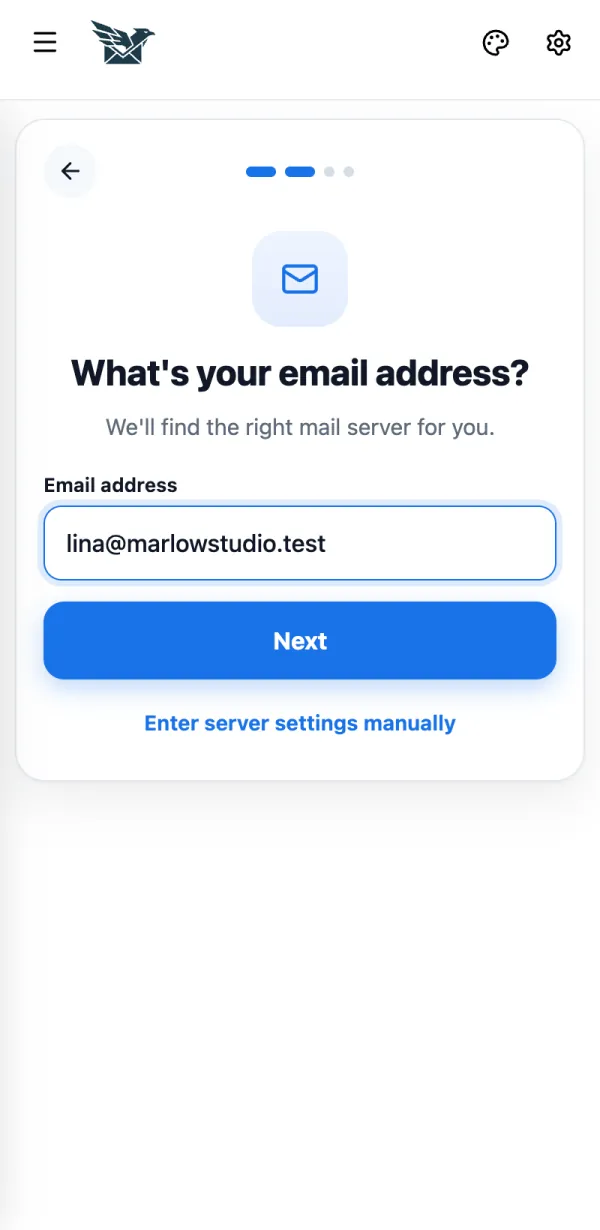
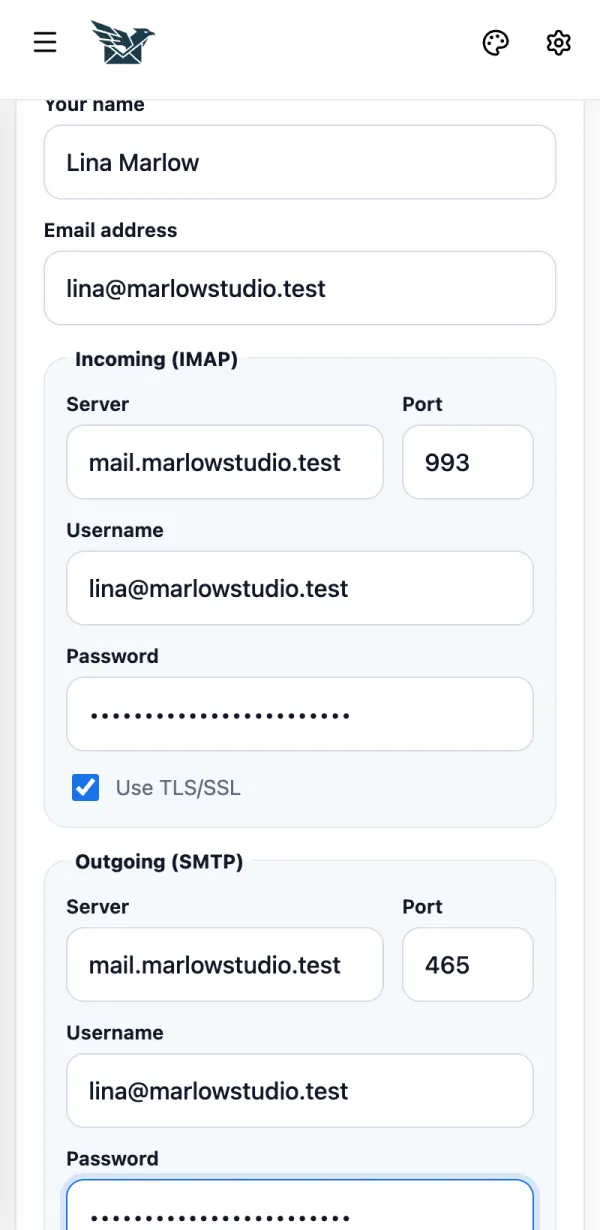
Fill in Incoming (IMAP): server, port (usually 993), username and password. Keep Use TLS/SSL on.
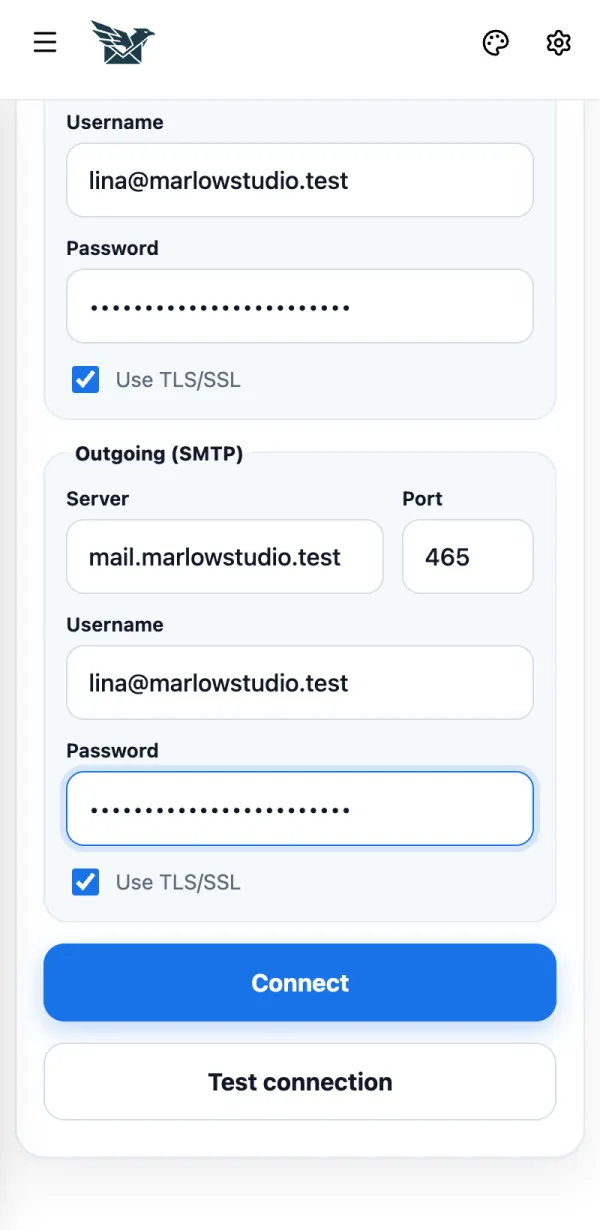
Fill in Outgoing (SMTP) (port usually 465) and tap Connect.
If it doesn't work
- Not sure? Tap Test connection first. It checks the settings without adding the mailbox.