 BurdMail
 asks for a code when I sign in
You turned on two-factor authentication (2FA). After your password, BurdMail asks for a 6-digit code from your authenticator app.
Open your authenticator app, type the 6-digit Authenticator code and tap Verify code.
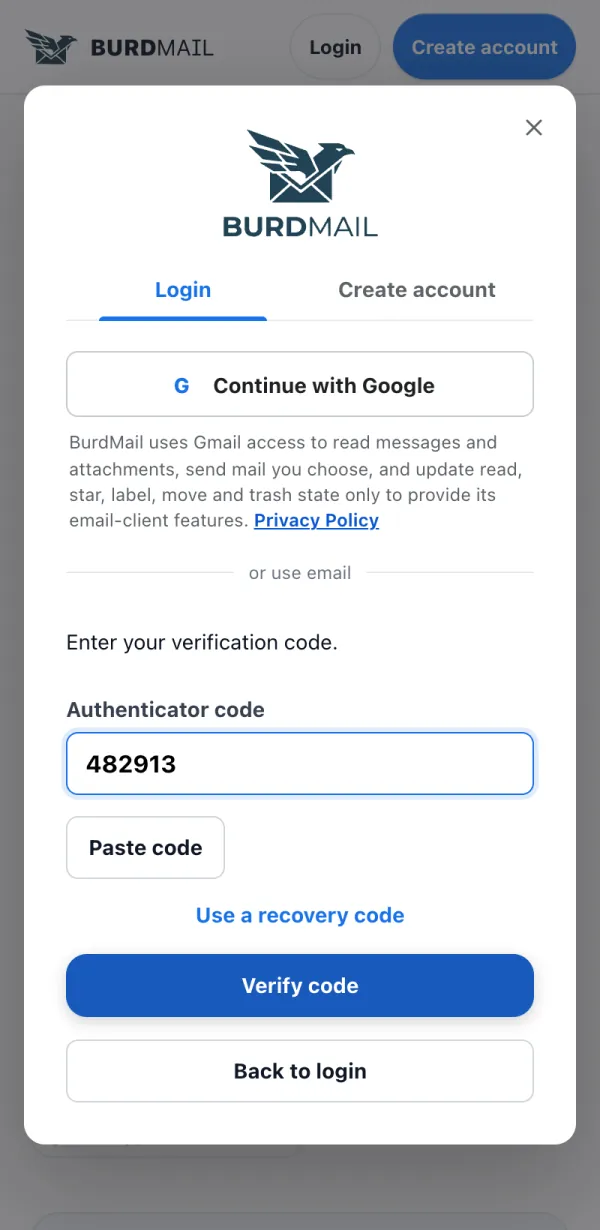
No phone with you? Tap Use a recovery code and enter one of the codes you saved.
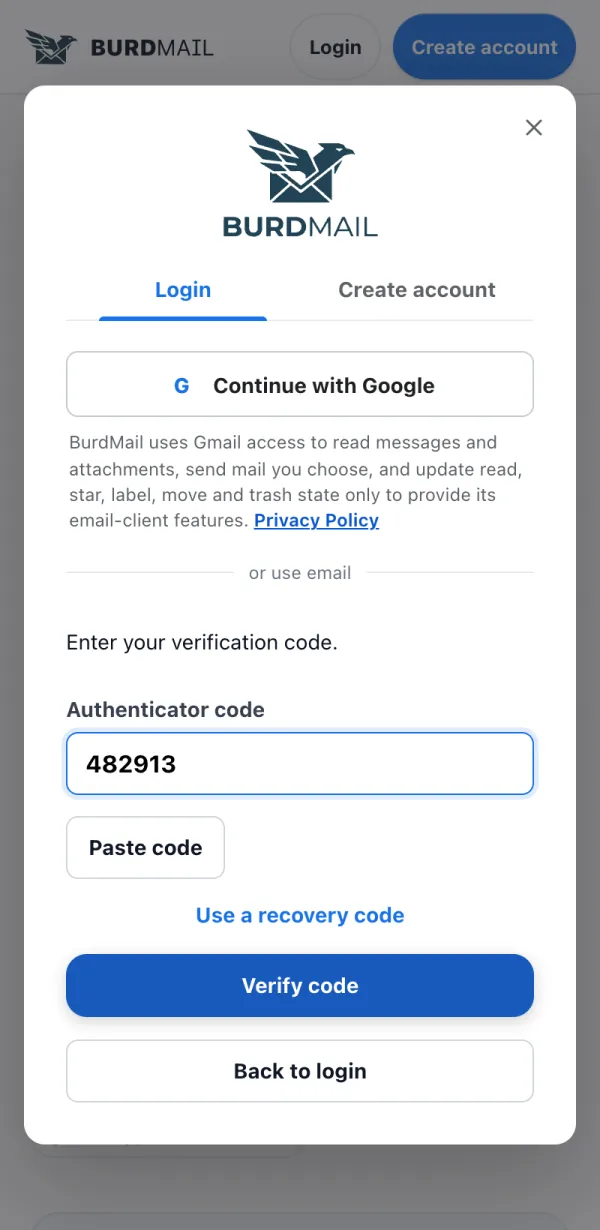
If it doesn't work
- The code changes every 30 seconds. If it fails, wait for the next one.
- Lost both the app and your recovery codes? Write to support@burdmail.com.