 BurdMail
A mailbox stopped working, or I changed its password
Enter the new password in Settings.
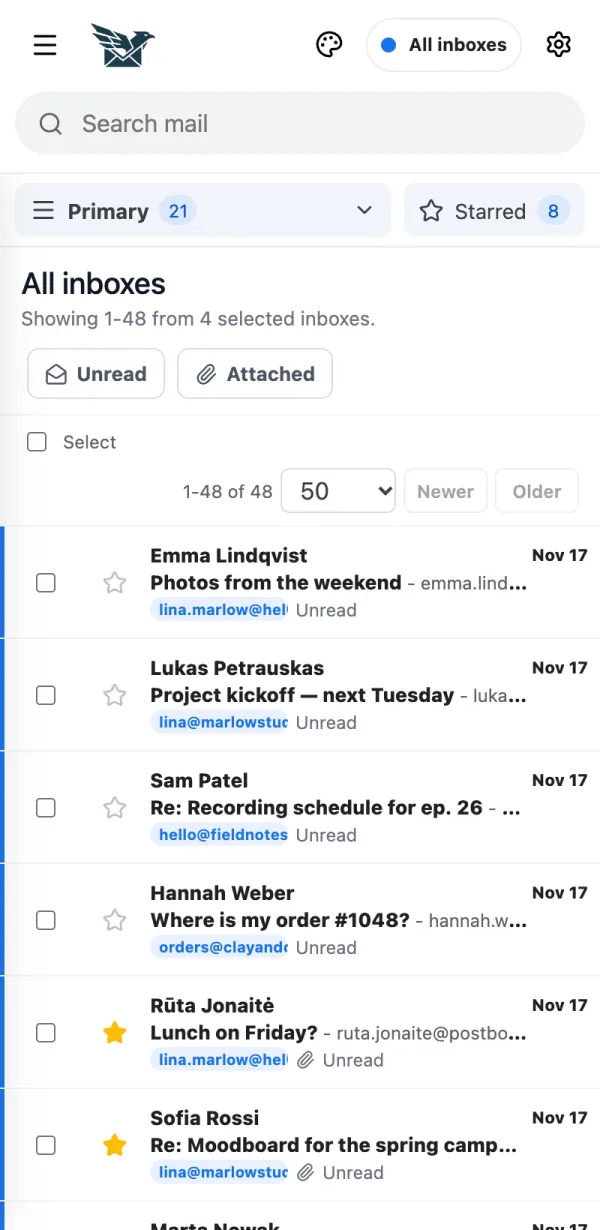
Tap Settings (the gear).
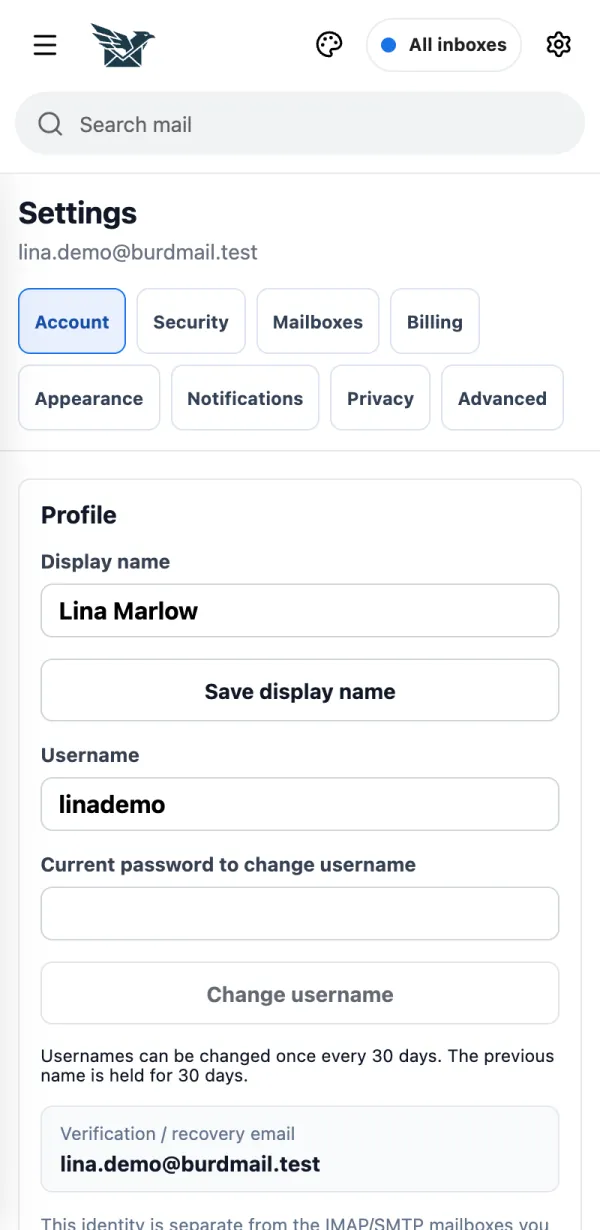
Open Mailboxes.
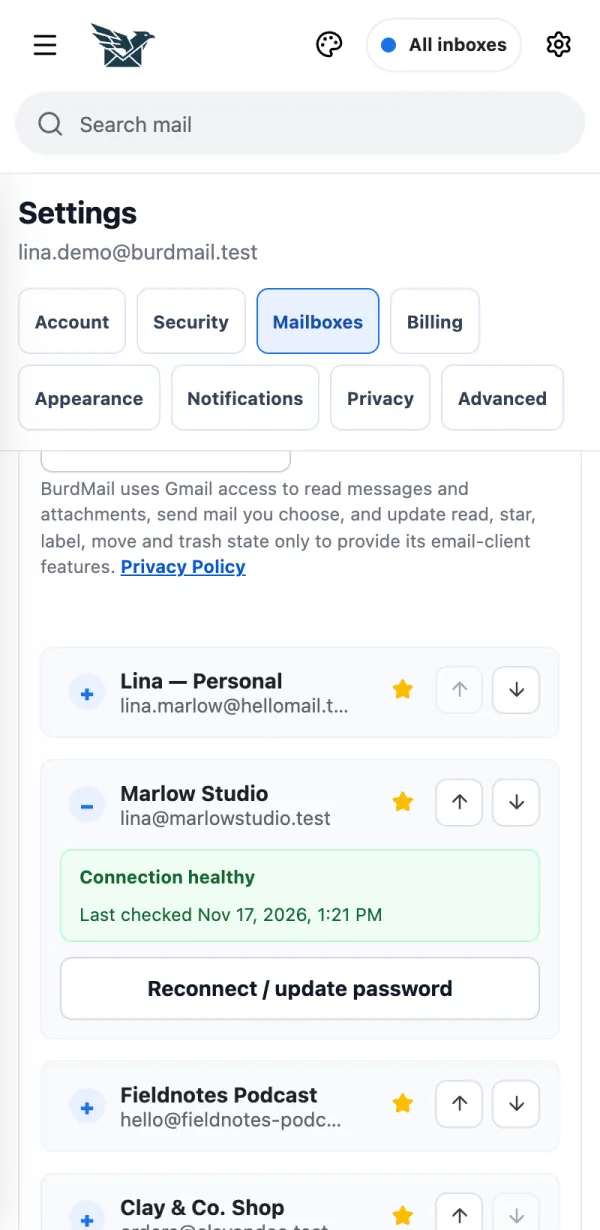
Open the mailbox and tap Reconnect / update password.
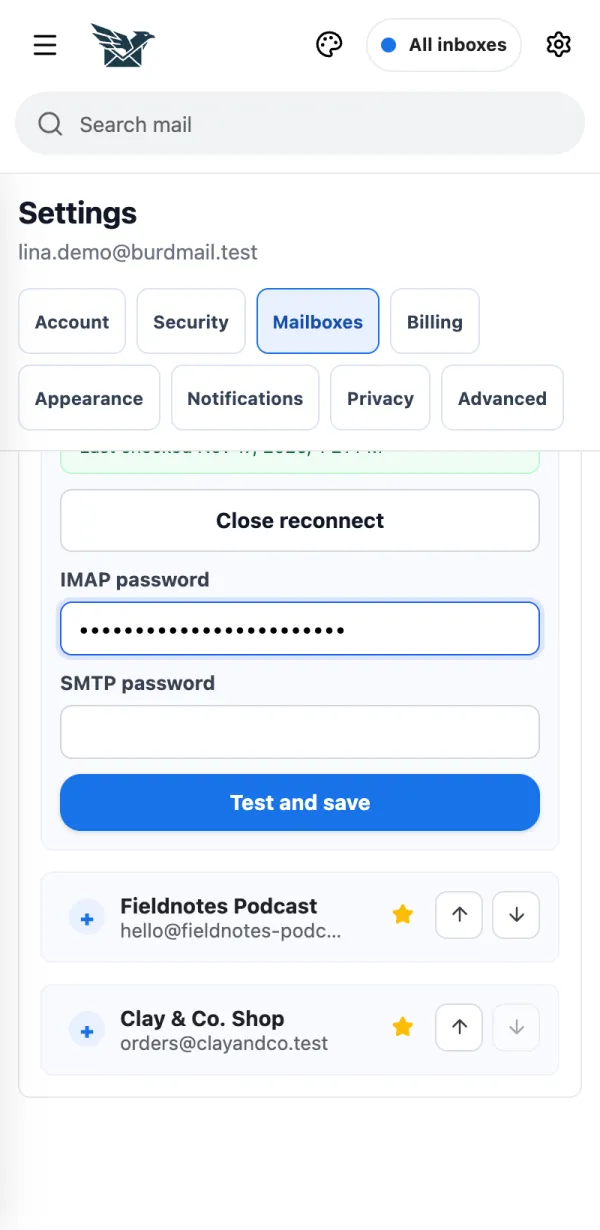
Enter the new password under IMAP password and SMTP password and tap Test and save.
If it doesn't work
- A mailbox that needs attention shows Connection needs attention here.
- Gmail mailbox? Tap Reconnect Google instead.