 BurdMail
How do I turn on two-factor authentication?
It protects your account with a 6-digit code from an authenticator app.
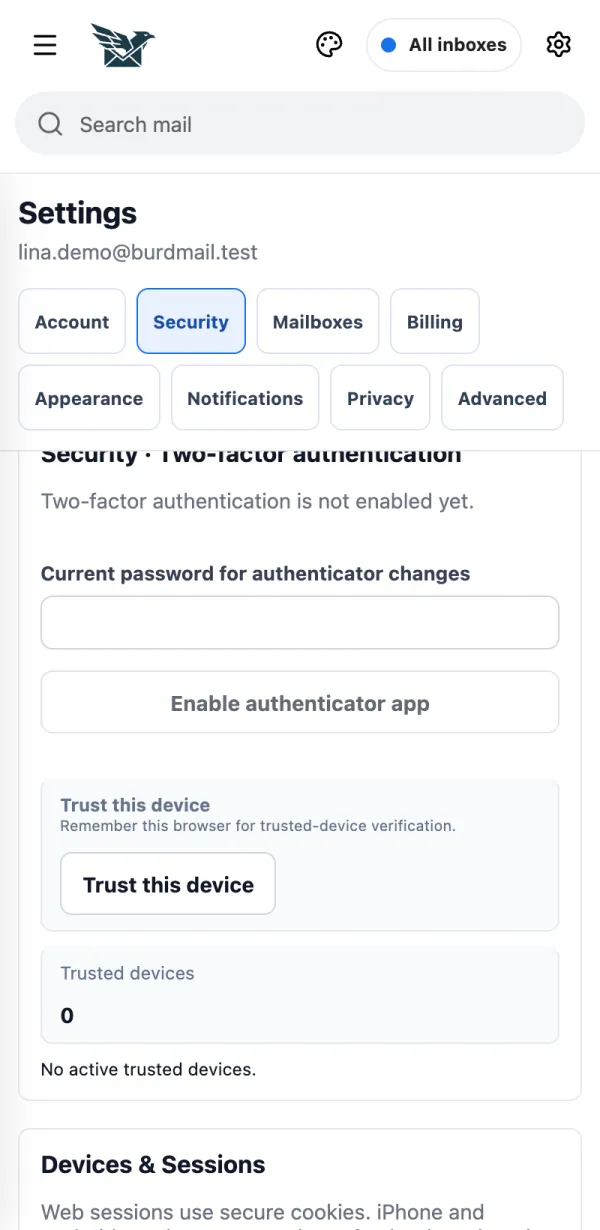
Open Settings > Security, type your password under Current password for authenticator changes and tap Enable authenticator app.
Scan the QR code with your authenticator app (on the same phone: Open in Authenticator or Copy setup key), type the 6-digit code and tap Confirm 2FA.
Save your recovery codes somewhere safe and tap I saved them. Each code works once. You need them if you lose your phone.