BurdMailGuide
English
burdmail.com

What do the themes look like?

Six themes, each with its own colours. Here they are on a computer.

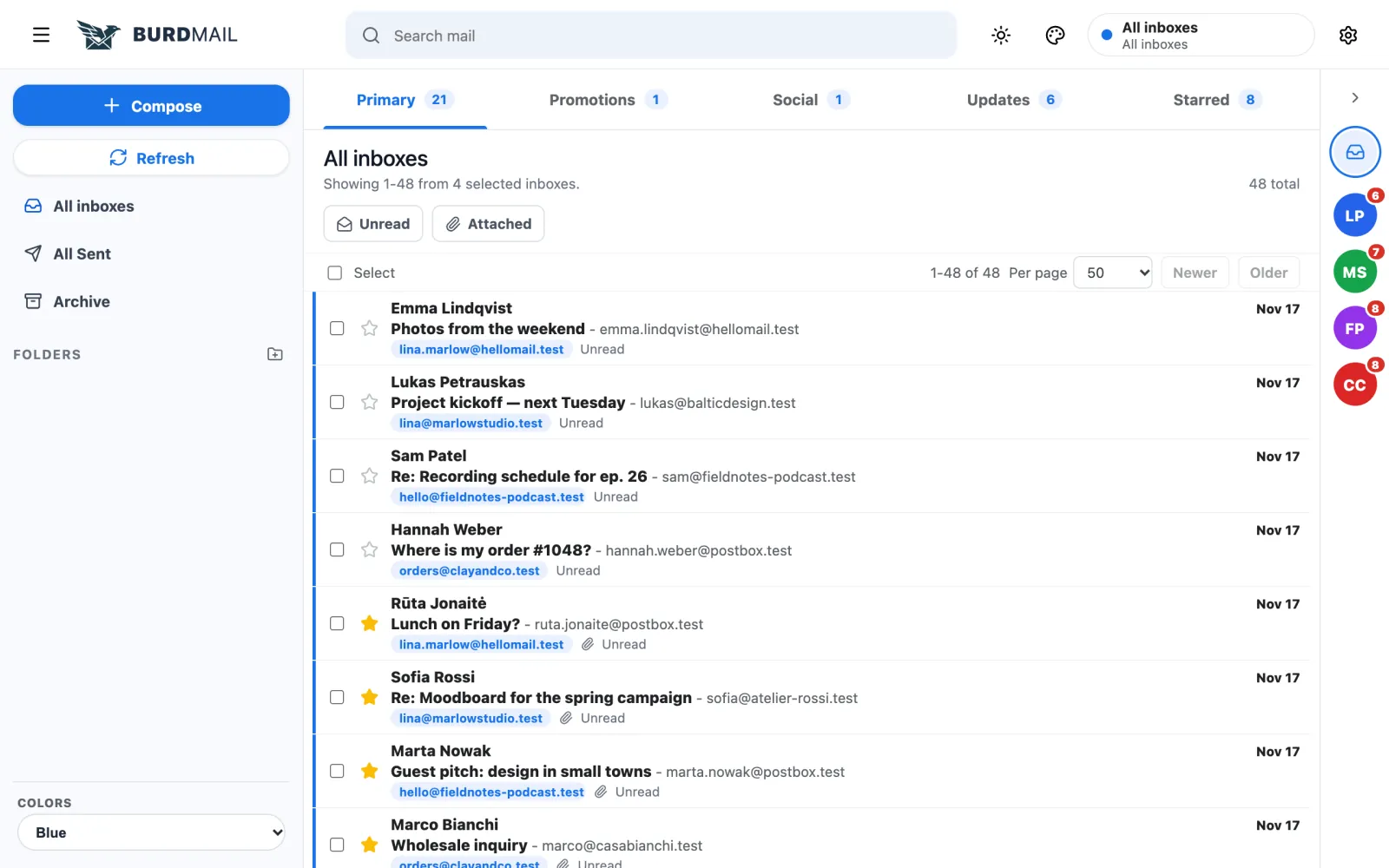
  1. Default: clean and bright.

    1. Default: clean and bright.
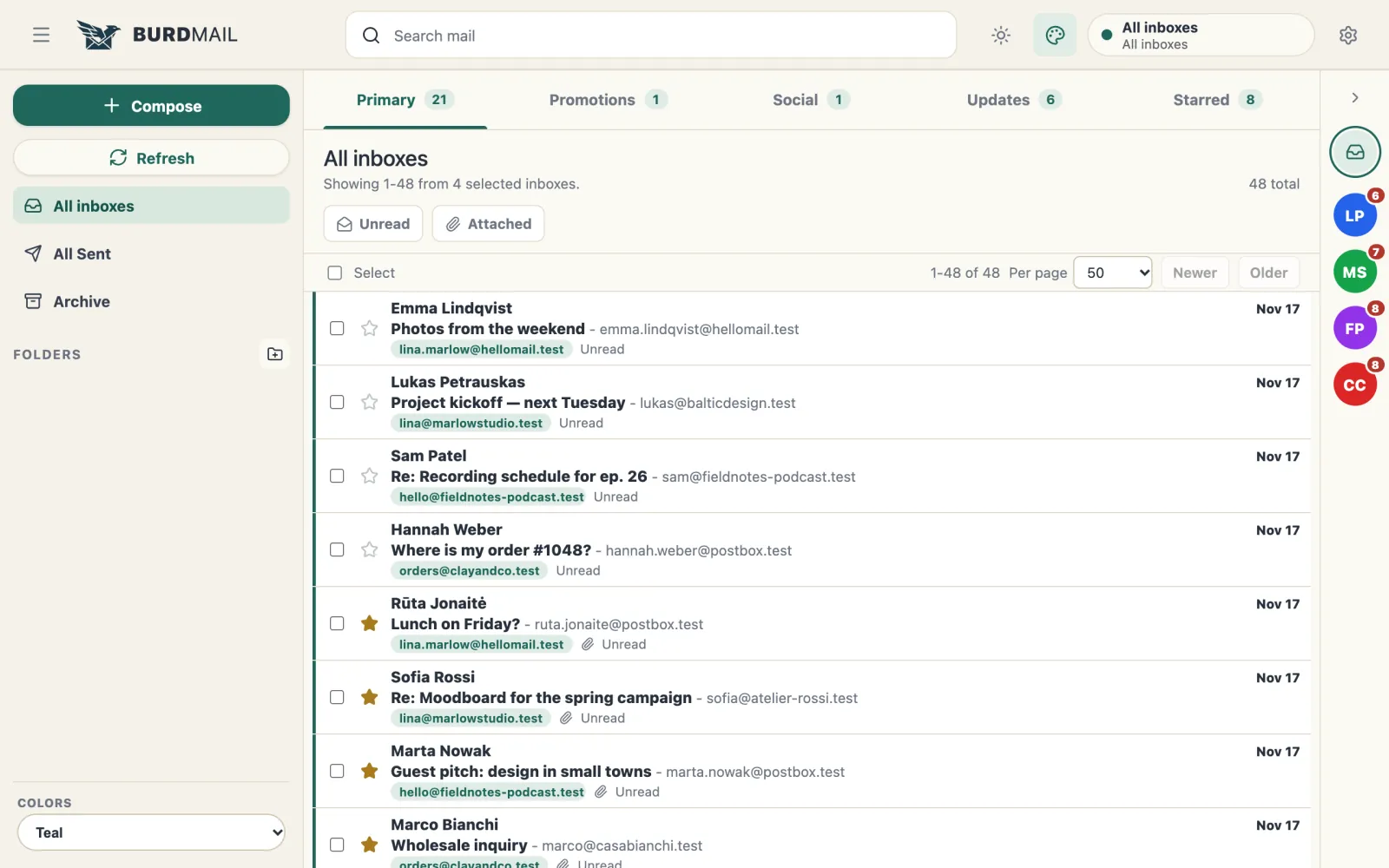
  2. Aviary: calm green tones.

    2. Aviary: calm green tones.
  3. Mist: quiet greys and a compact one-line list.
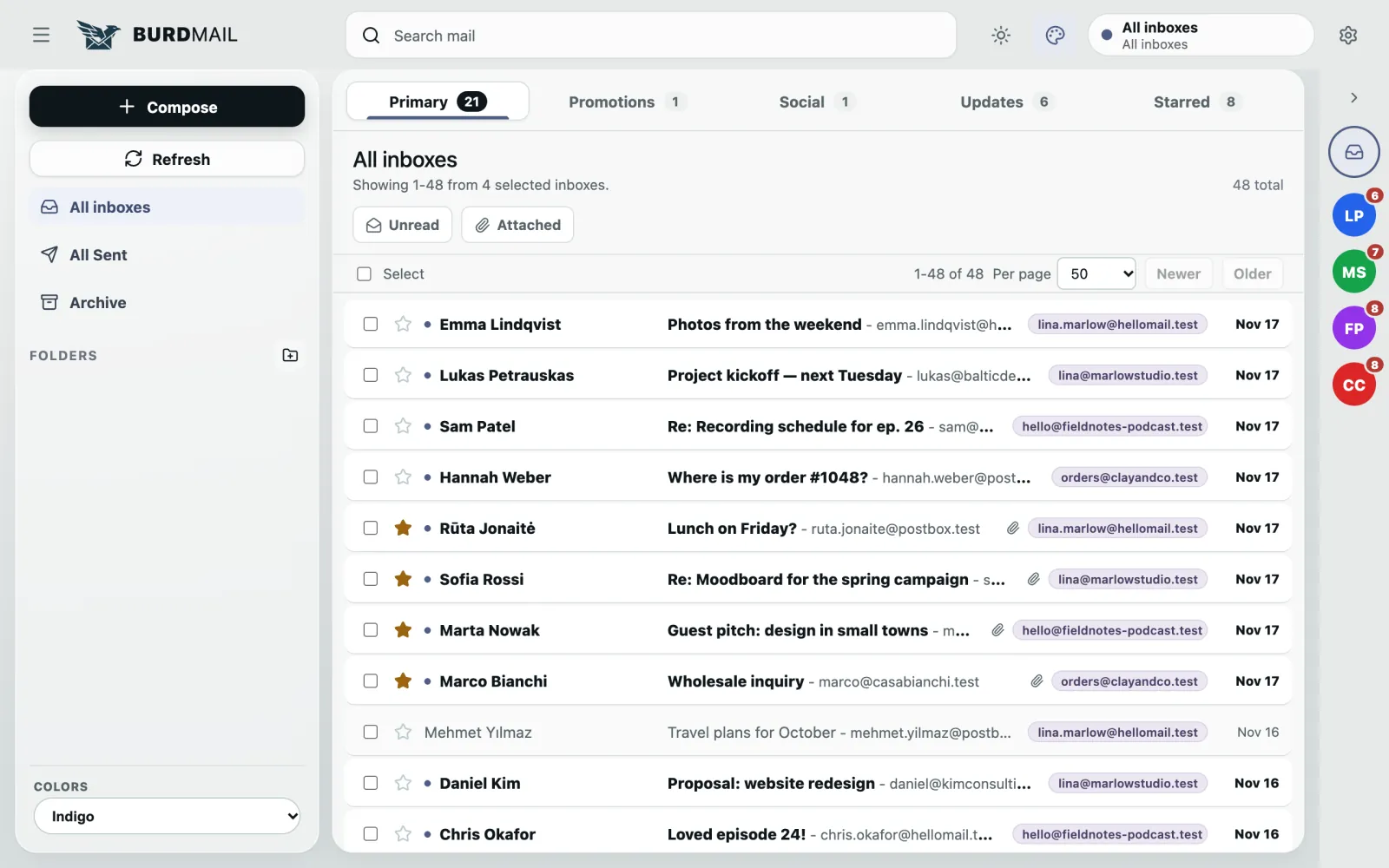
    3. Mist: quiet greys and a compact one-line list.
  4. Atlas: list and message side by side, with keyboard shortcuts.
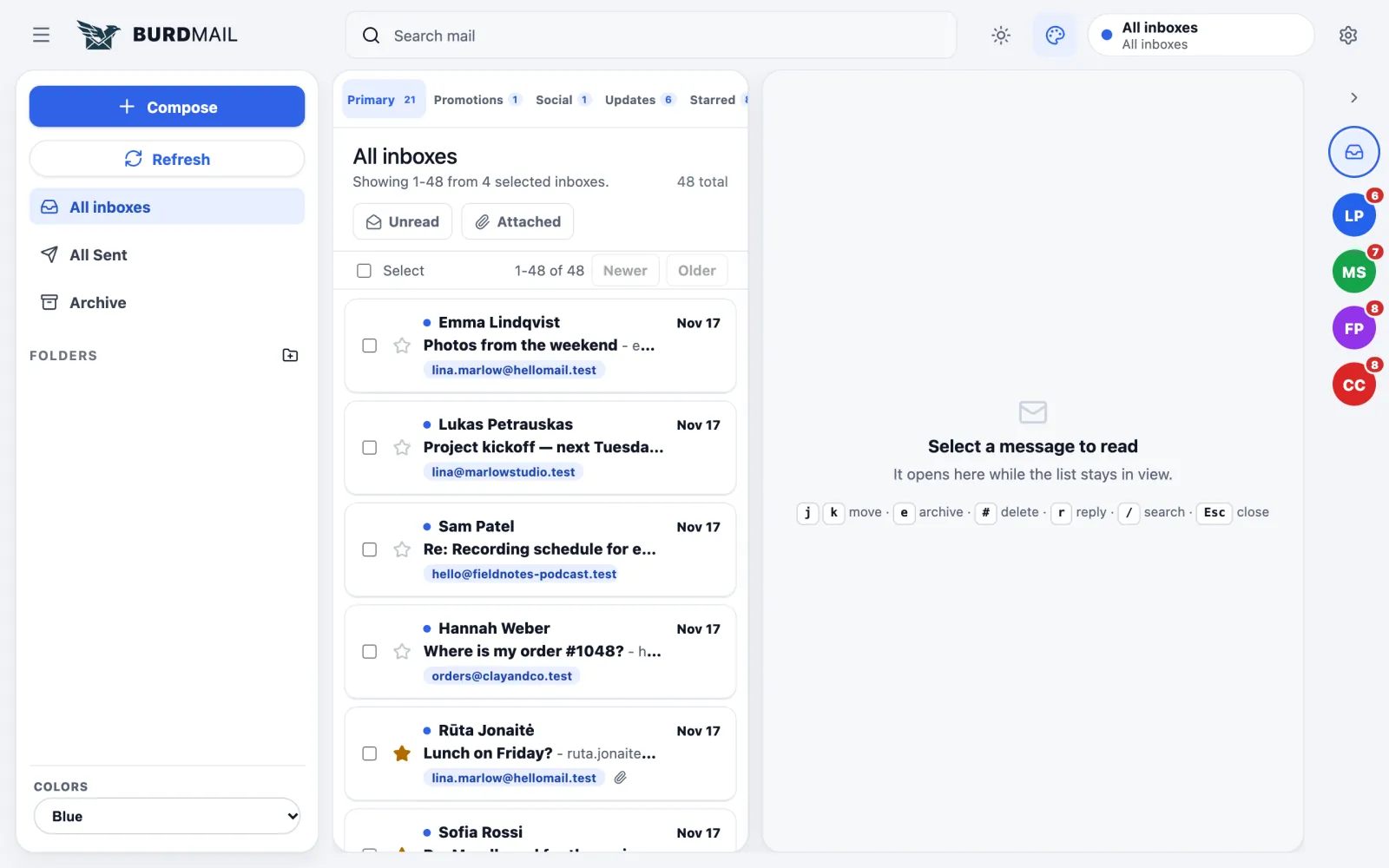
    4. Atlas: list and message side by side, with keyboard shortcuts.
  5. Mosaic: a home screen with your mailboxes and new mail at a glance.
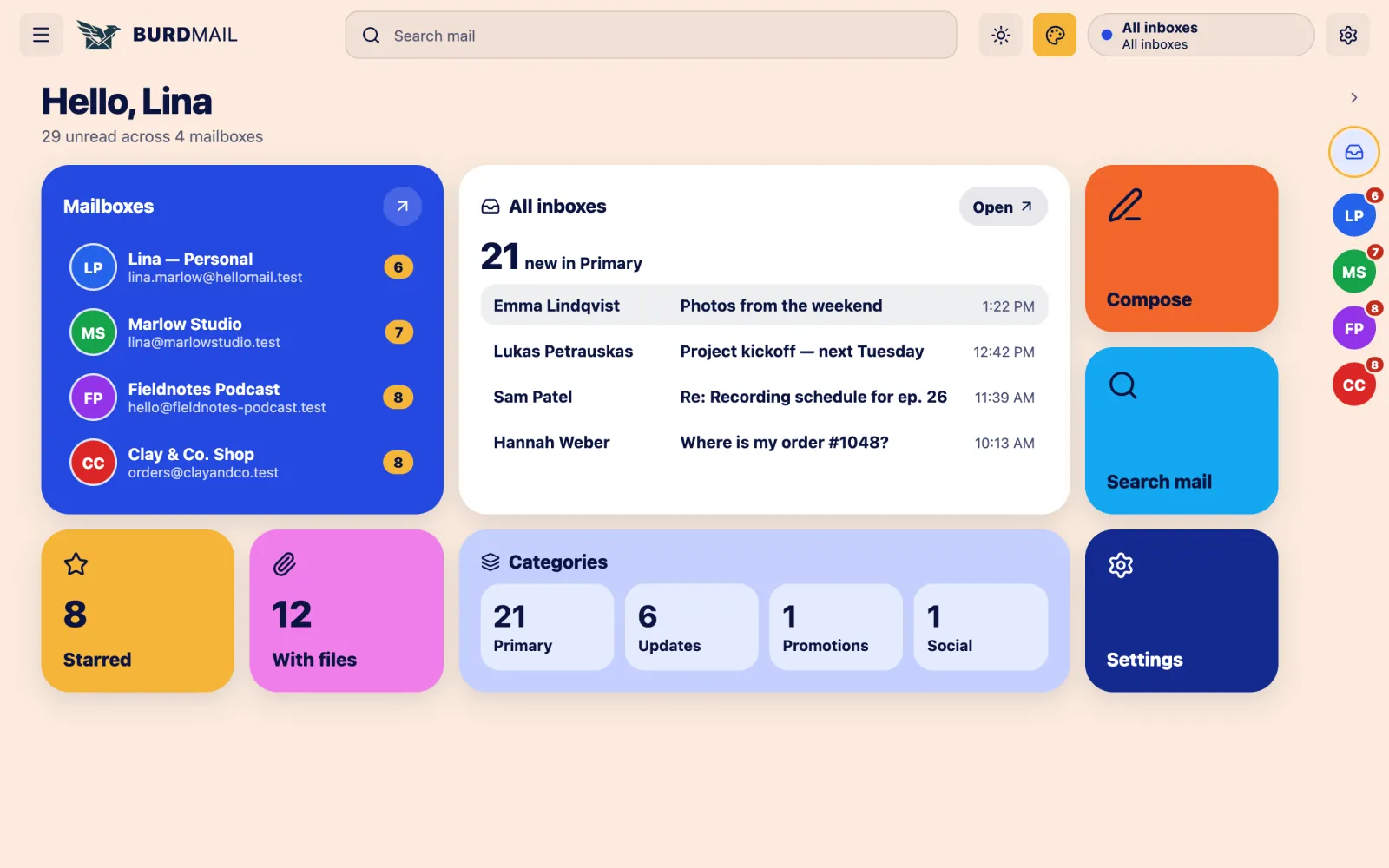
    5. Mosaic: a home screen with your mailboxes and new mail at a glance.
  6. Vista: a photo background. Choose Vilnius, an oil painting or an ancient city.
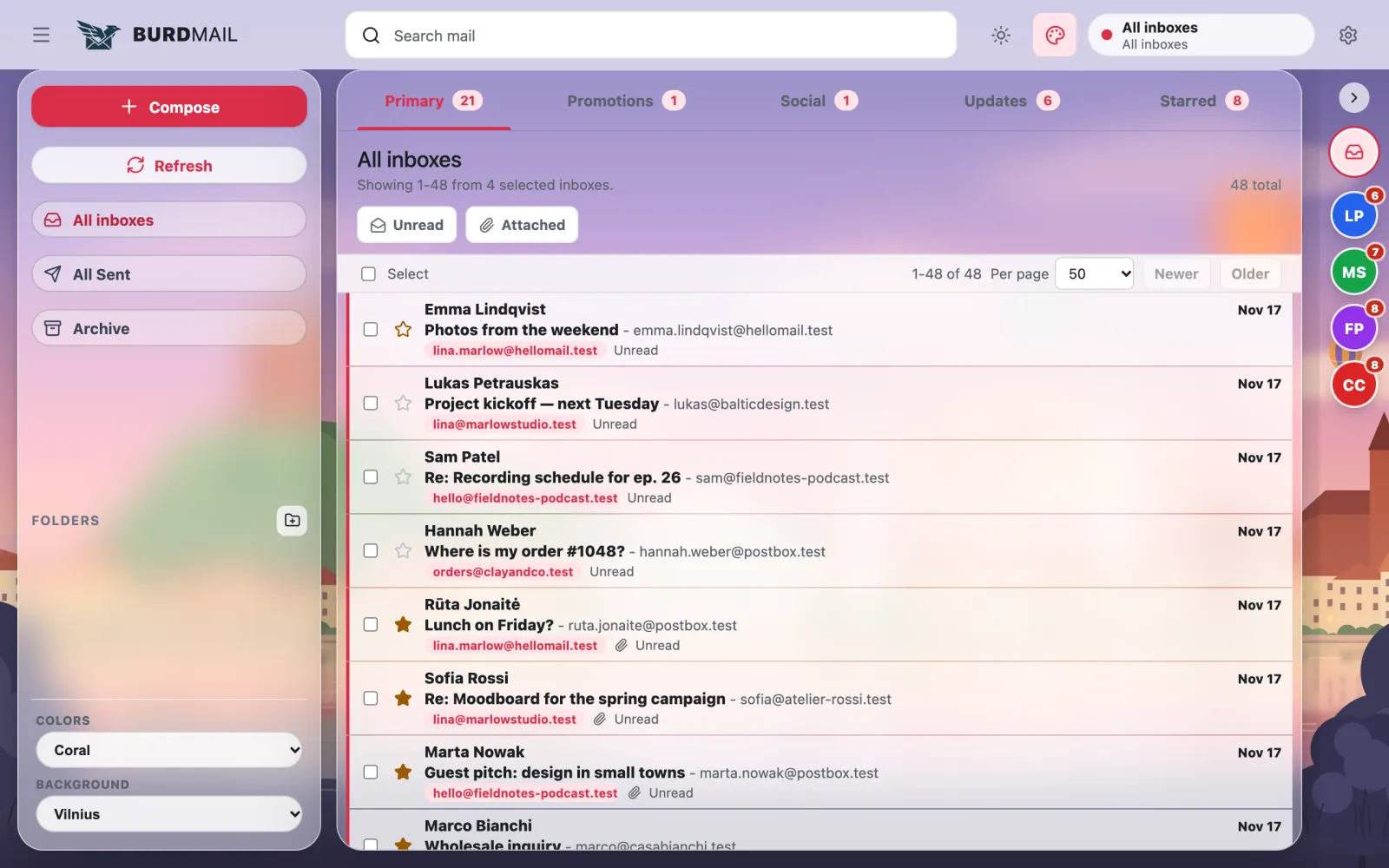
    6. Vista: a photo background. Choose Vilnius, an oil painting or an ancient city.

← BurdMail Help

Still stuck?Write to us and a person answers.support@burdmail.com

People and addresses in the pictures are made up.