 BurdMail
How do I read and answer an email?
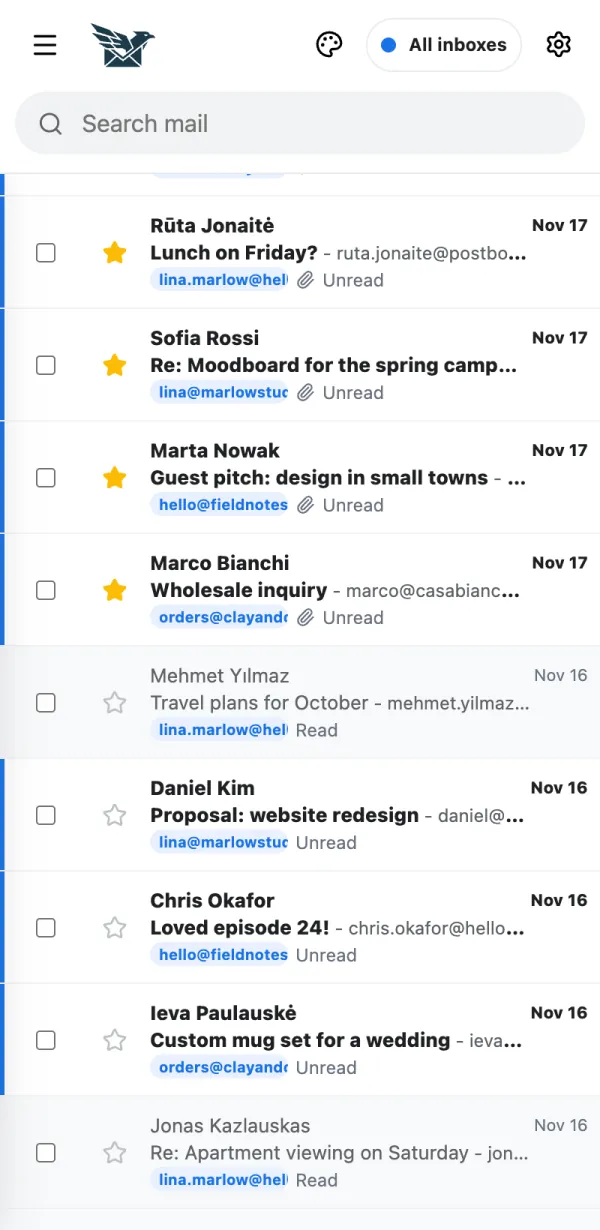
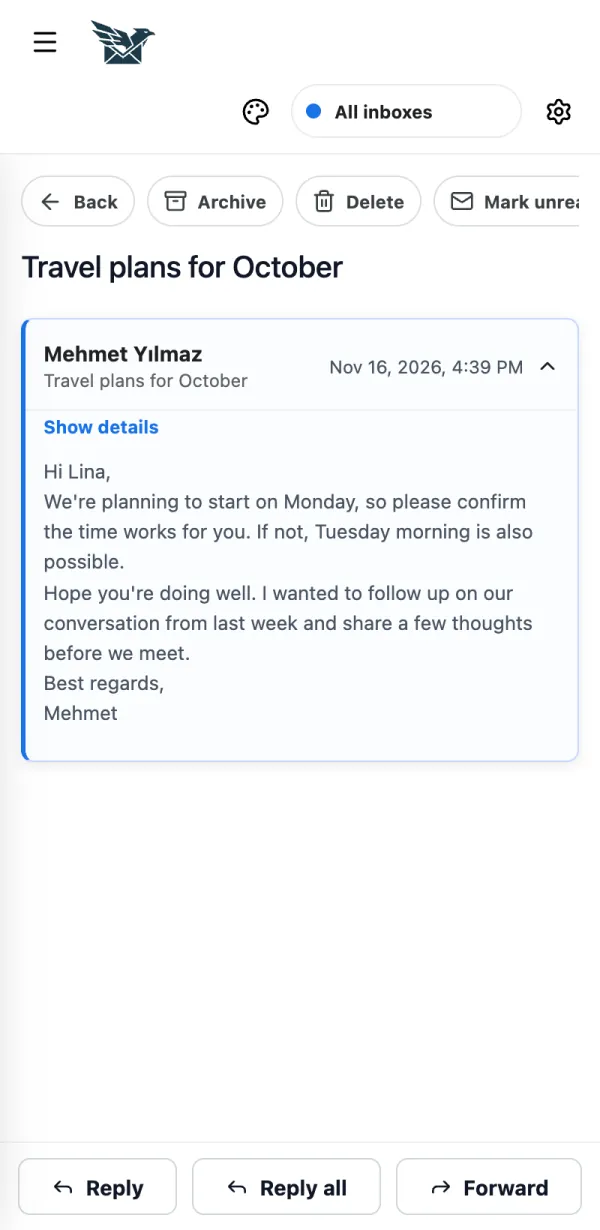
Tap a message to open it. The answer buttons are under the message.
Tap a message in the list.
Tap Reply, Reply all or Forward. BurdMail answers from the mailbox the email came to.
If it doesn't work
- Pictures from the internet are blocked for privacy. Tap Show images if you trust the sender.