 BurdMail
How do notifications work?
New-mail notifications come in the BurdMail phone app.
Choose Show email previews if you want to see the sender and subject in notifications.
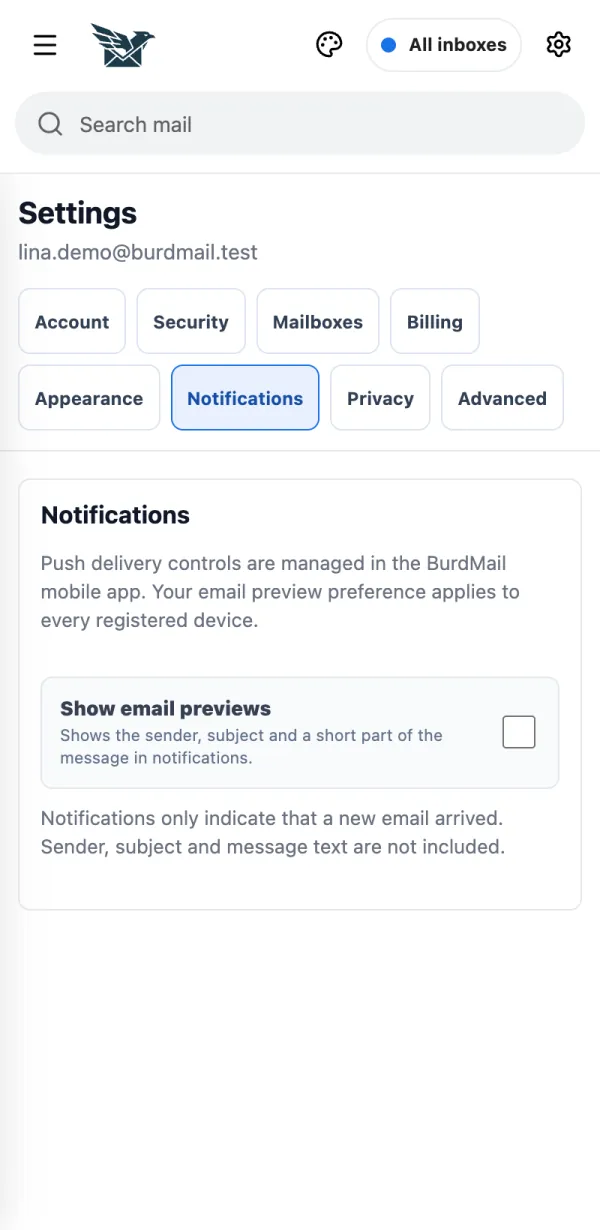
On the phone, Settings > Notifications also turns new-mail alerts and the app badge on or off.
If it doesn't work
- Turn on Notifications first; your phone then asks for permission.
- Only new Inbox mail from the last 30 minutes triggers a notification.