 BurdMail
I forgot my password
Reset it by email. Your mailbox passwords (Gmail, iCloud and others) don't change.
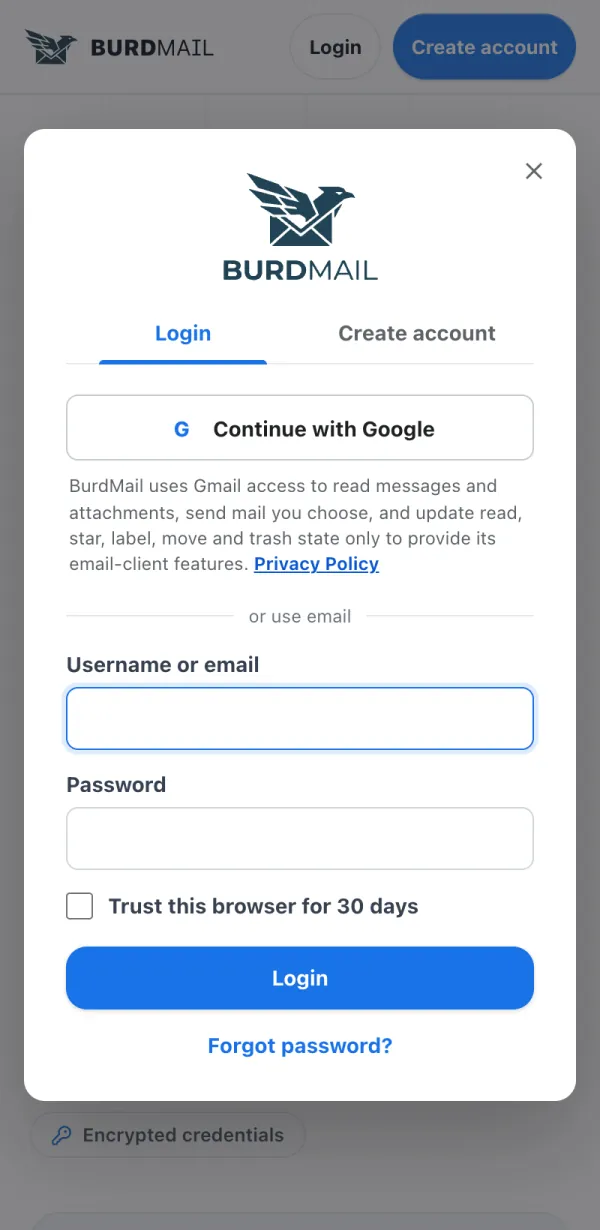
On the Login screen tap Forgot password?
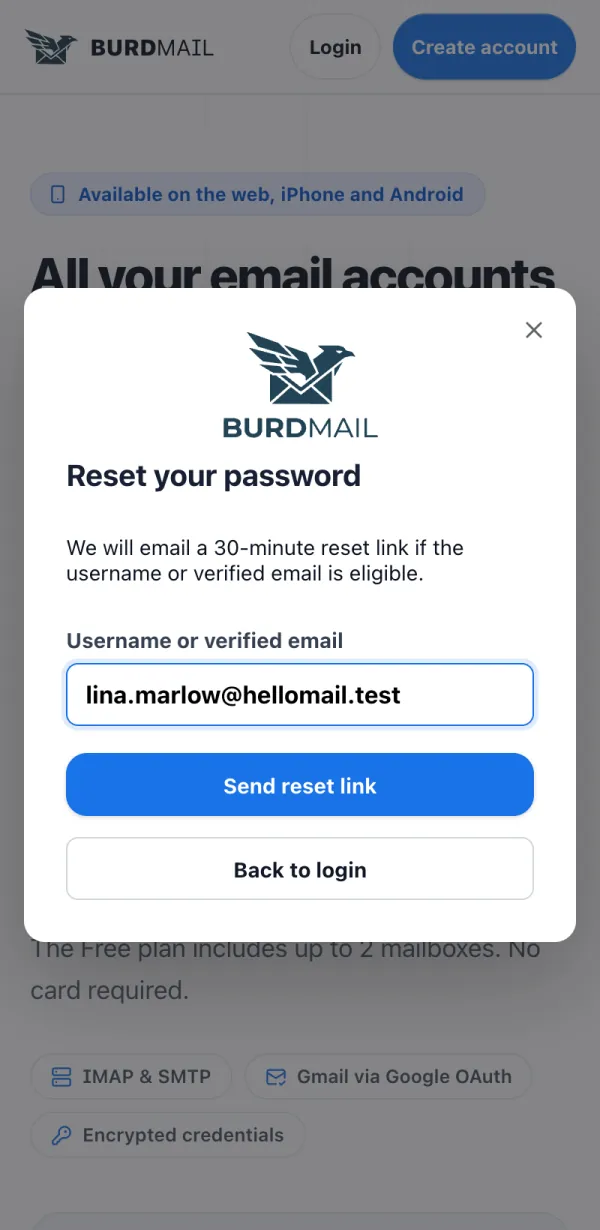
Enter your username or verified email and tap Send reset link.
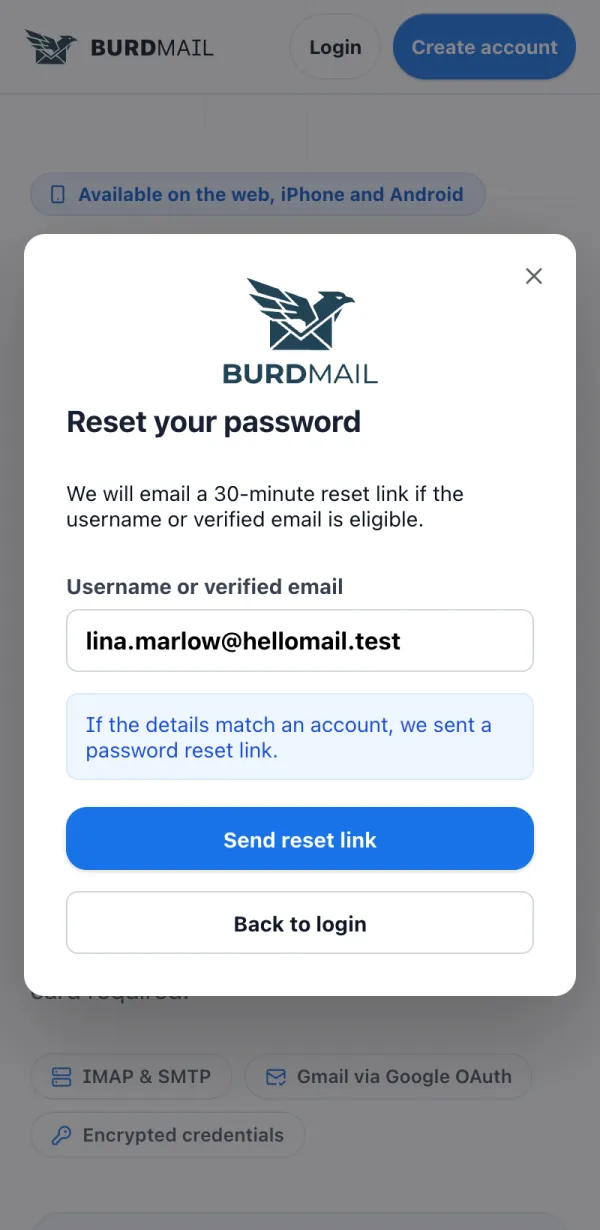
Check your email. The link works for 30 minutes.
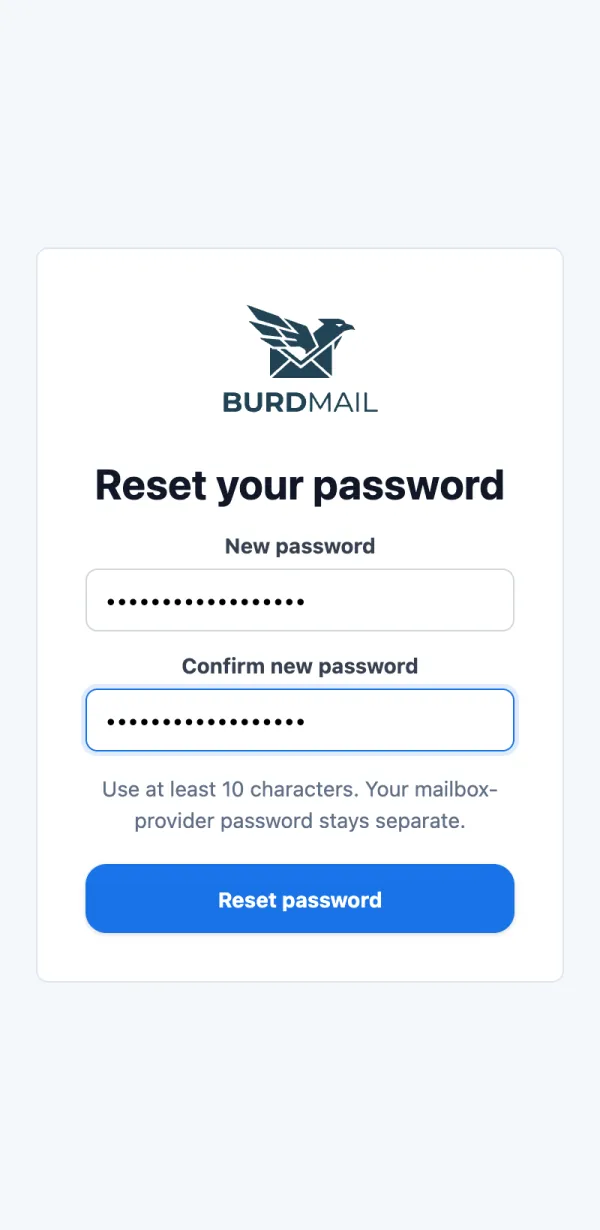
Open the link, type a New password twice and tap Reset password.
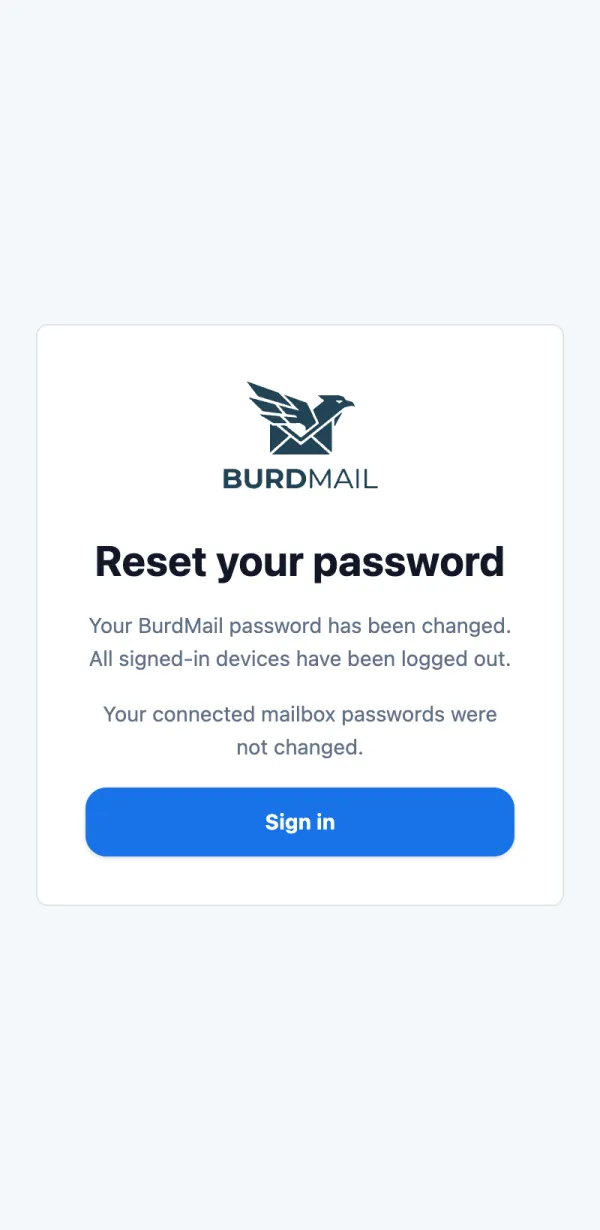
Done. For your safety you are signed out on every device. Sign in again with the new password.
If it doesn't work
- BurdMail may refuse a password that appeared in known data leaks. Choose a different one.