 BurdMail
How do I sign out other devices?
Change your password to sign out everywhere, or on a phone use Log out all mobile devices.
Open Settings > Security. In the phone app, under Devices & Sessions tap Log out all mobile devices.
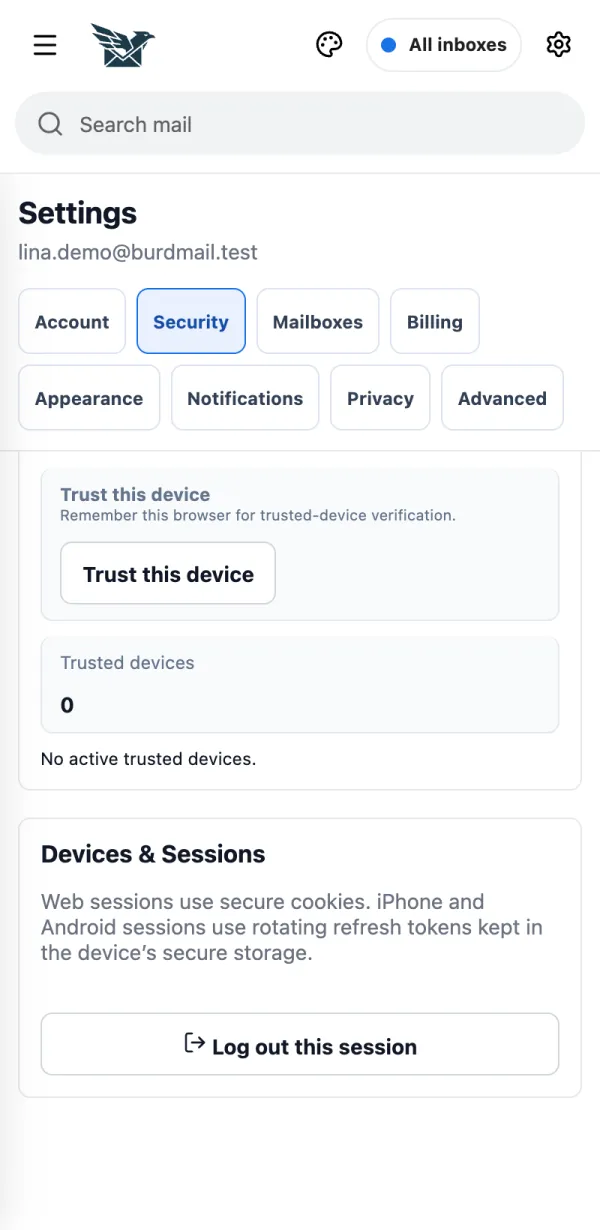
To sign out everywhere, including browsers, change your password under Security.
If it doesn't work
- Log out this session signs out only the device you are using.
- Remove under Trusted devices makes that device ask for the 2FA code again. It does not sign it out.