 BurdMail
How do I delete my BurdMail account?
This deletes your BurdMail account and settings. Your mail at Gmail, iCloud and other providers is not deleted.
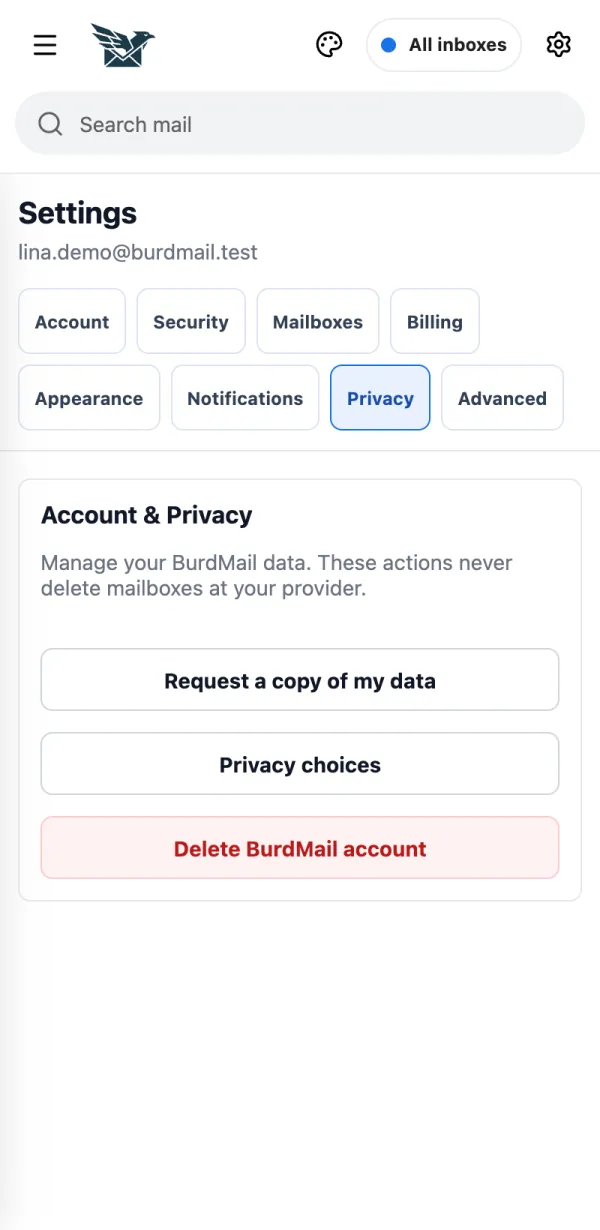
Open Settings > Privacy and tap Delete BurdMail account.
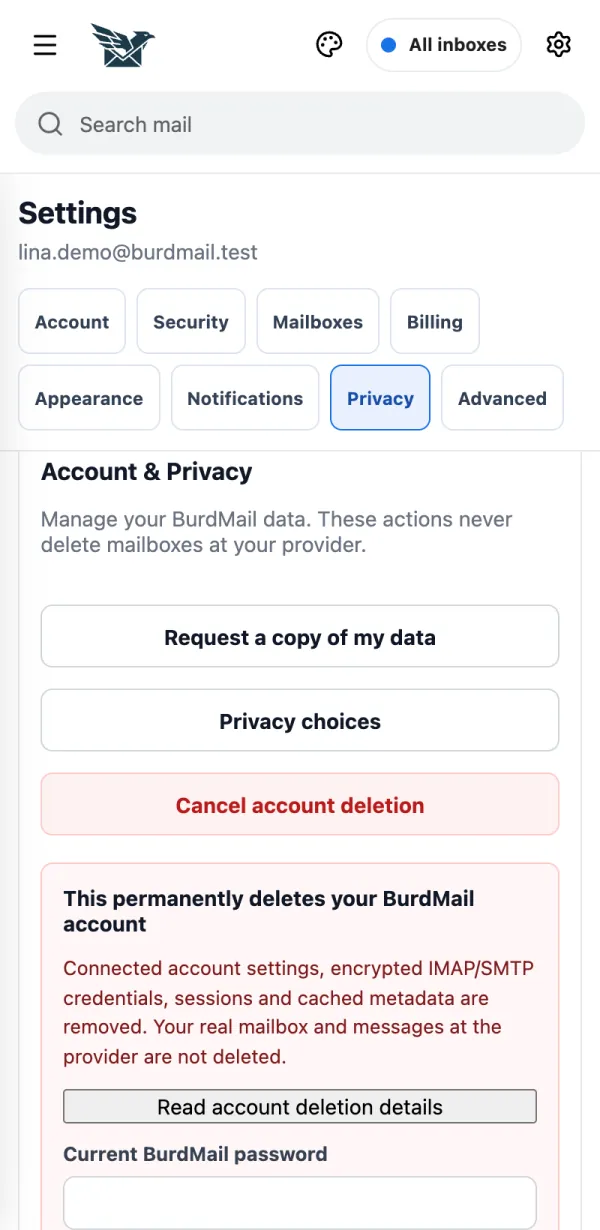
Enter your password (and your 2FA code, if two-factor authentication is on), type DELETE, tick the box and tap Permanently delete BurdMail account.
If it doesn't work
- Paid through the App Store or Google Play? Cancel the subscription there too; deleting the account does not stop store renewals.