 BurdMail
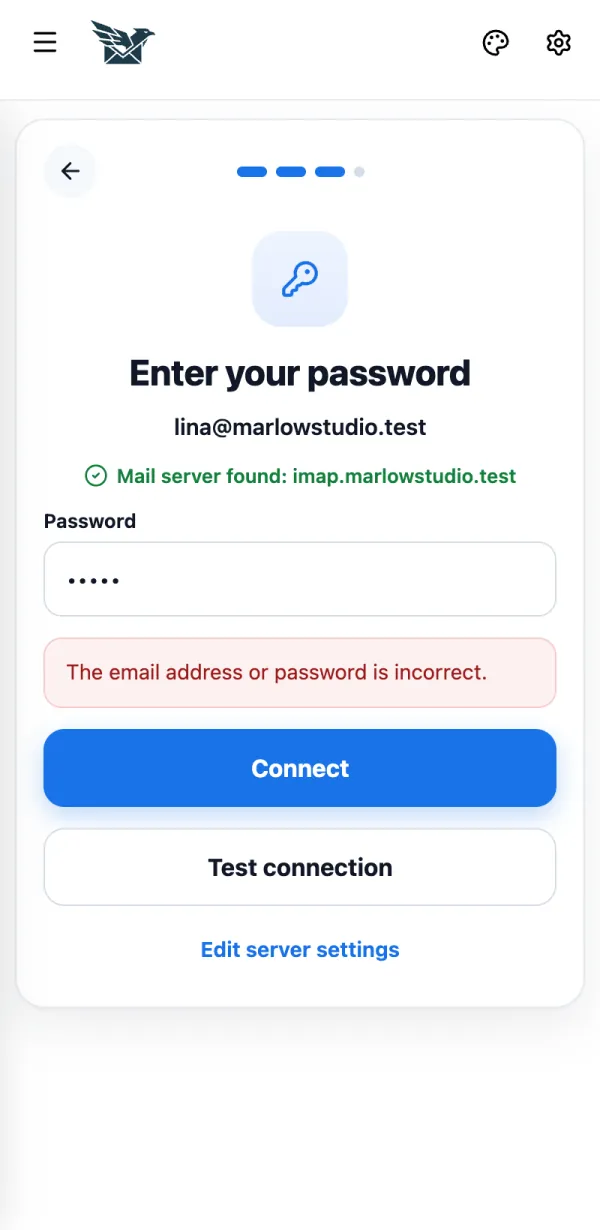
 says my password is wrong
The mail provider refused the password. This is the most common setup problem.
Check the password. If your provider uses app passwords, create one and paste it here.
If it doesn't work
- The outgoing (SMTP) server rejected the email or password: the outgoing password can be different. Tap Edit server settings.
- Could not reach the incoming (IMAP) mail server (or the outgoing SMTP server): BurdMail opens the server settings. Check the server name and port.
- This mail provider is busy: wait a minute and try again.