 BurdMail
How do I write an email and choose the From address?
Use Compose and pick which of your addresses sends it.
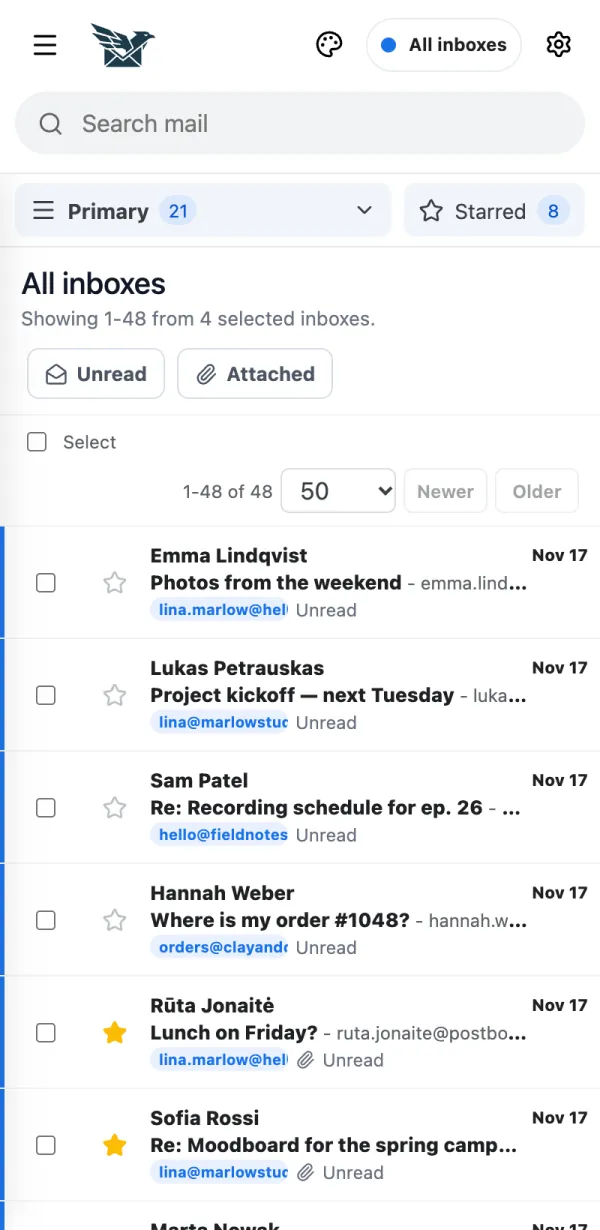
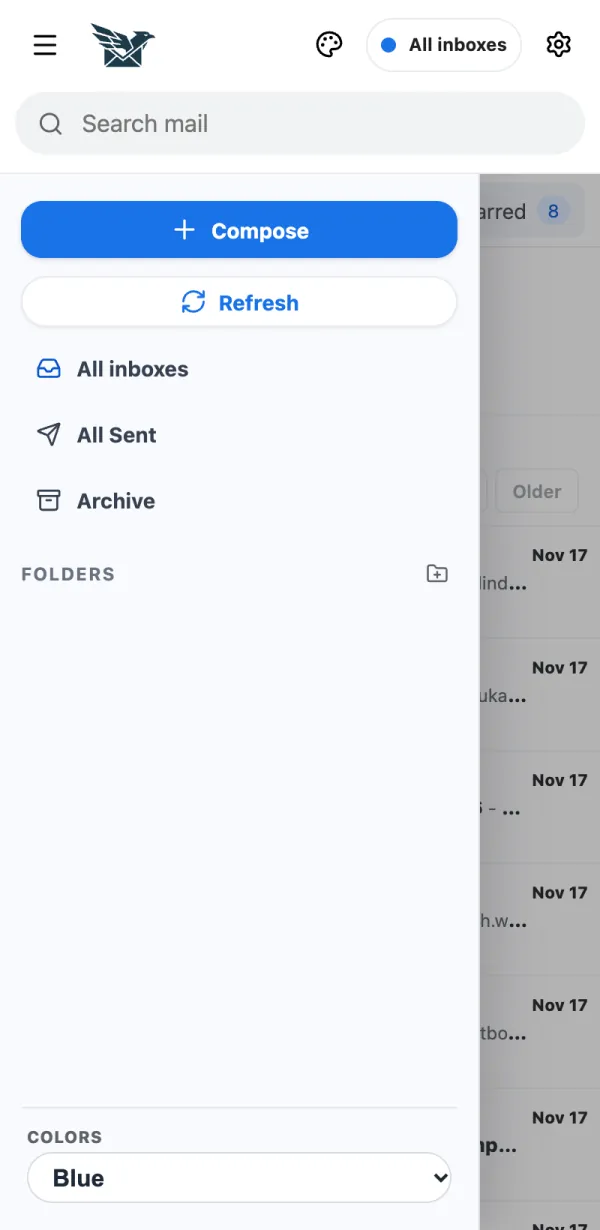
On a phone, tap the menu button at the top left.
Tap Compose.
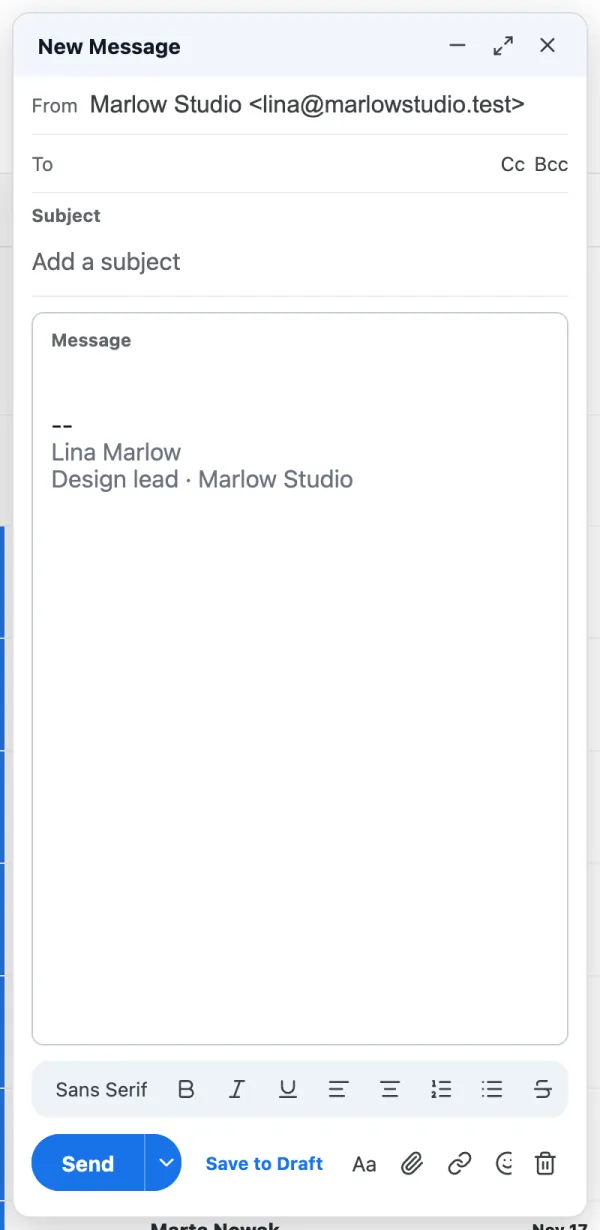
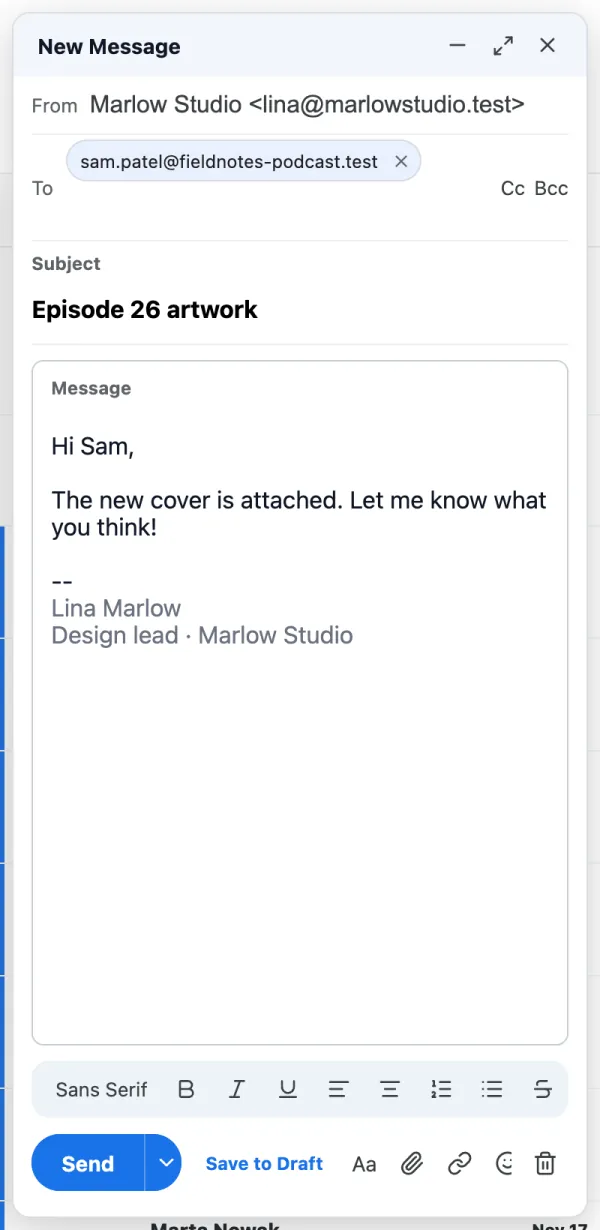
Tap From and choose the address that should send this email.
Add the receiver under To, then a Subject and your message.
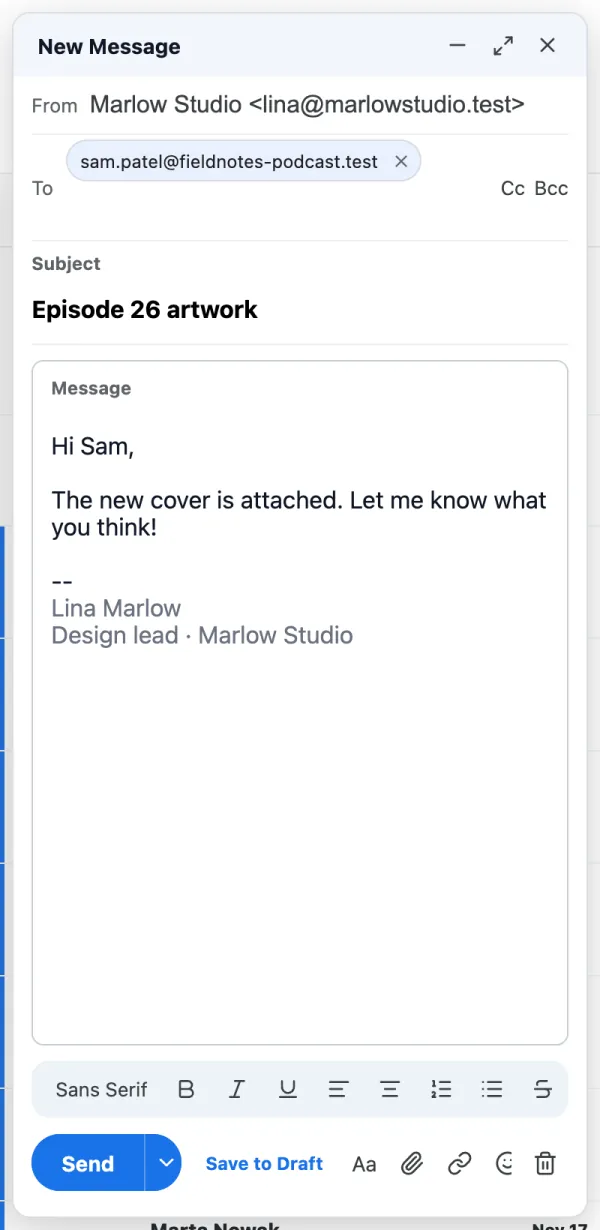
Tap Send. A copy is saved in Sent.
If it doesn't work
- Up to 10 attachments, each up to 10 MB, 20 MB in total.
- Not ready yet? Tap Save to Draft.