 BurdMail
What are Primary, Promotions, Social and Updates?
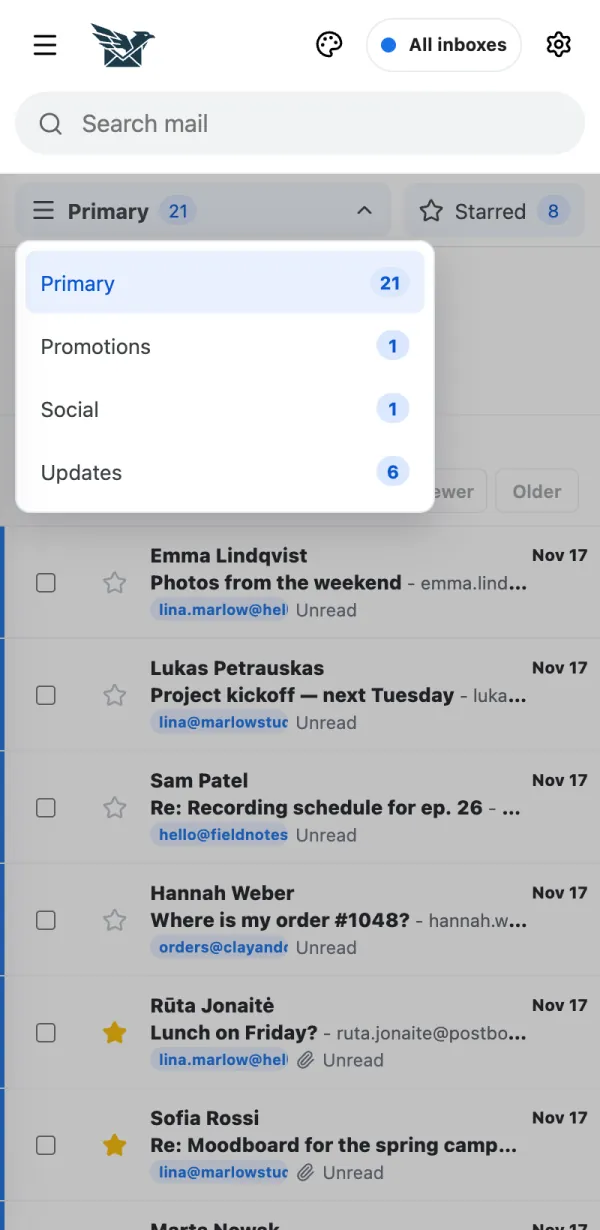
BurdMail can sort your inbox into categories, so offers and newsletters don't bury personal mail.
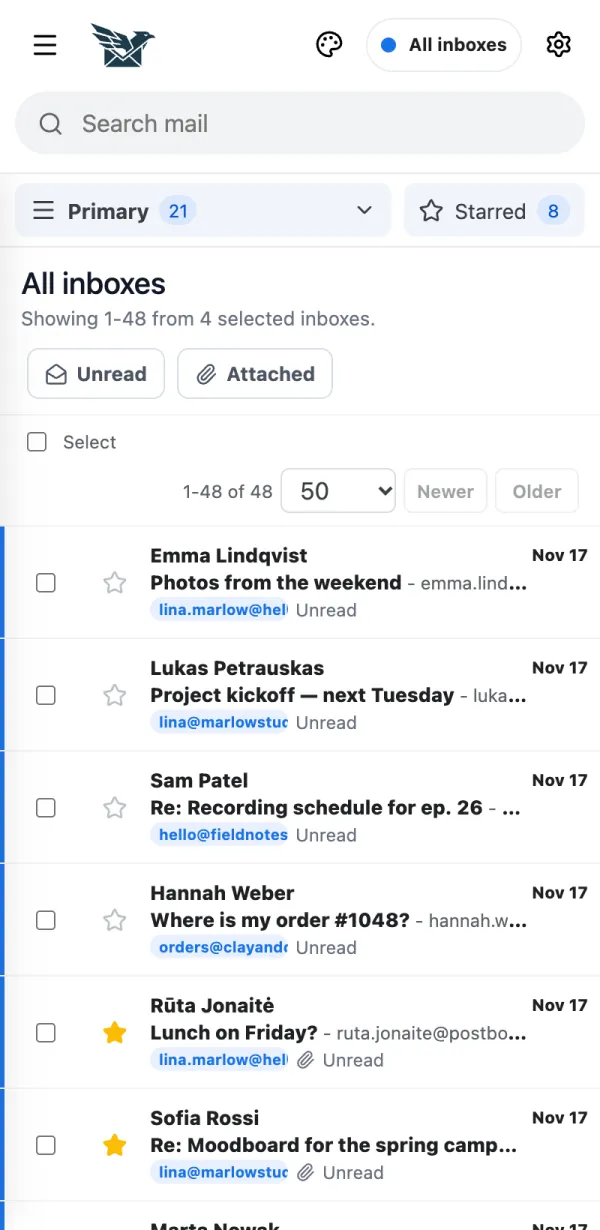
Tap Primary at the top of the list (on a computer, the categories are tabs).
Choose a category to see only that mail.
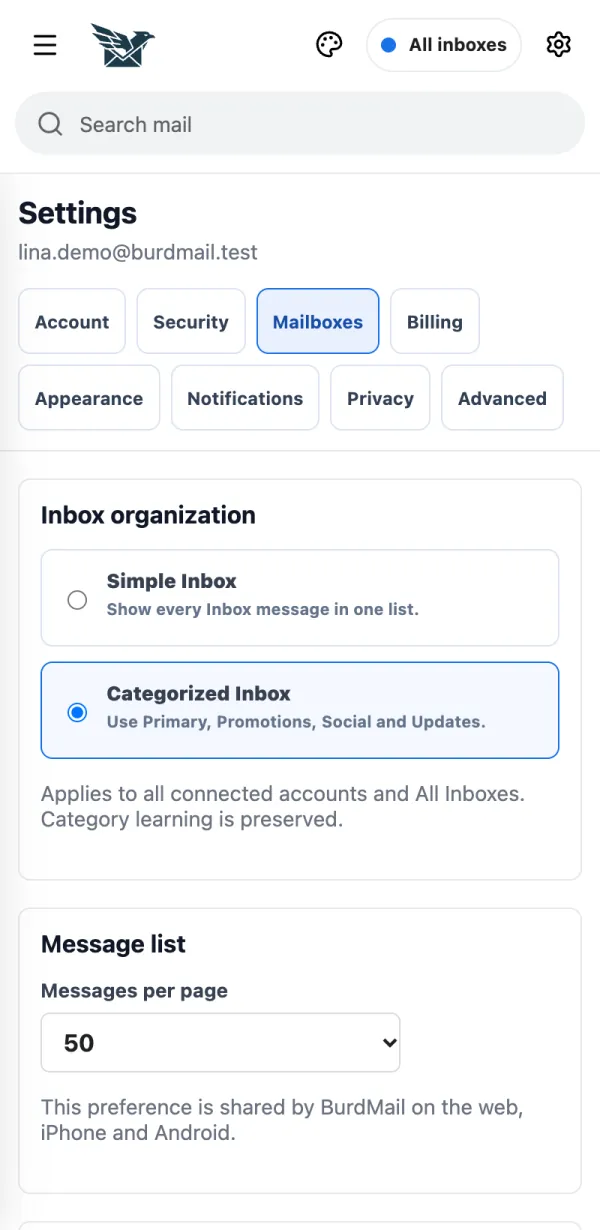
Prefer one list? Open Settings > Mailboxes and choose Simple Inbox.
If it doesn't work
- Moved a sender to the wrong place? Open the message, tap Move (on a computer: Move to...) and pick a category. Future mail from that sender follows.