 BurdMail
How do I cancel Pro?
Where you cancel depends on where you bought it.
Bought on the web: tap Manage subscription. Pro stays active until the end of the paid period.
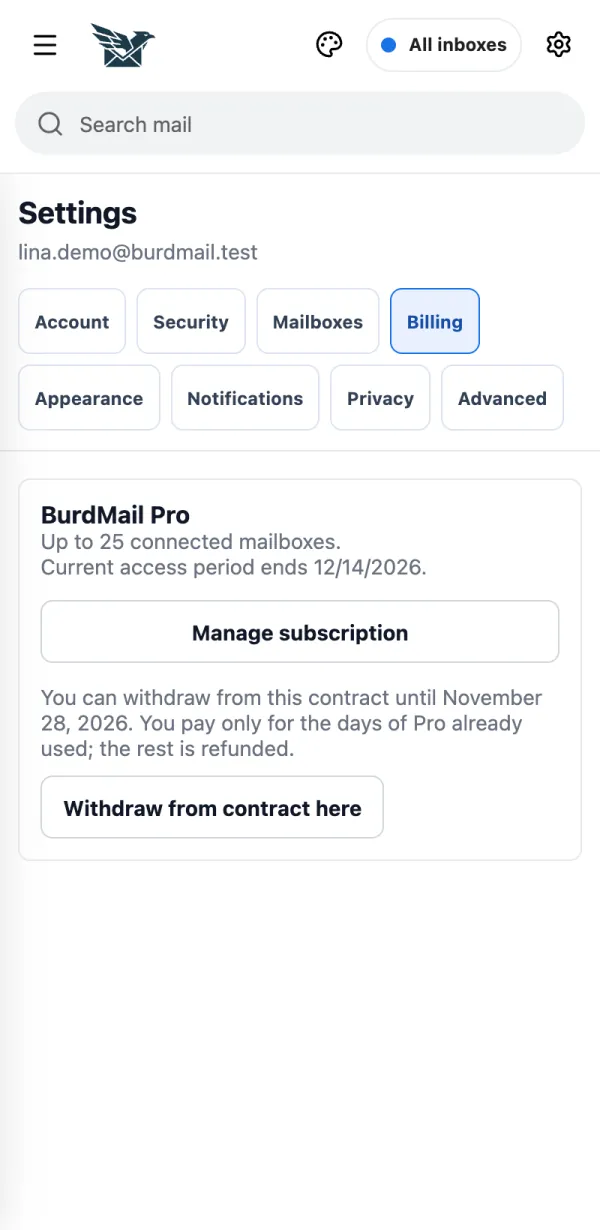
Bought on iPhone: in the app open Settings > Billing and tap Manage App Store subscription. Bought on Android: tap Manage Google Play subscription there.