 BurdMail
How do I archive or delete an email, and undo it?
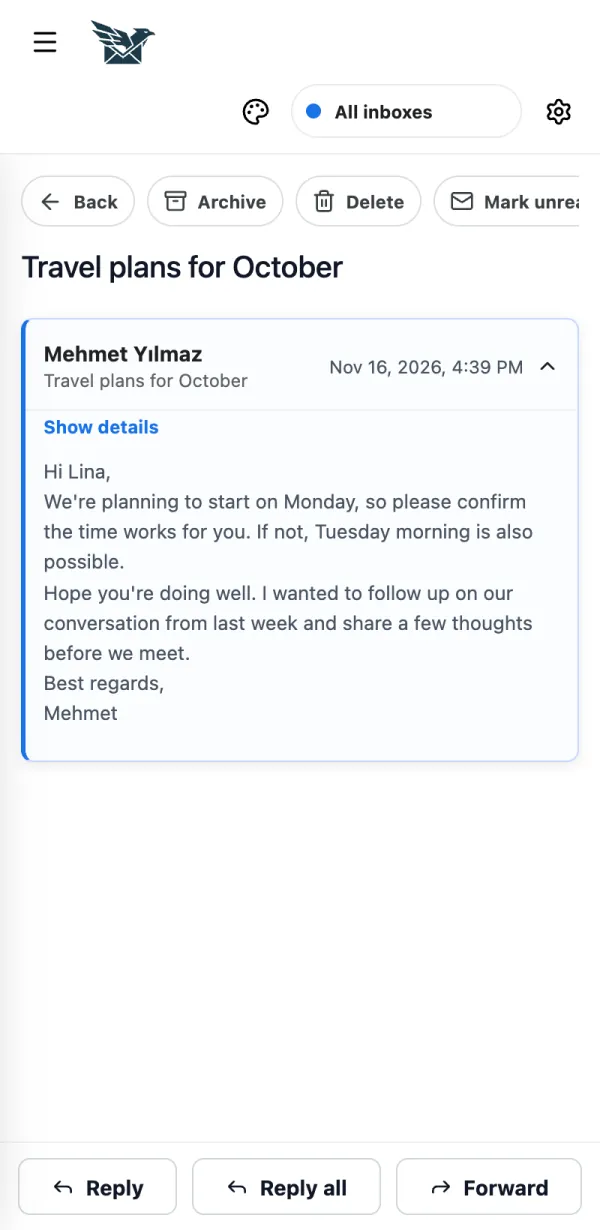
Use the buttons at the top of an open message. You have a few seconds to undo.
Open the message and tap Archive or Delete.
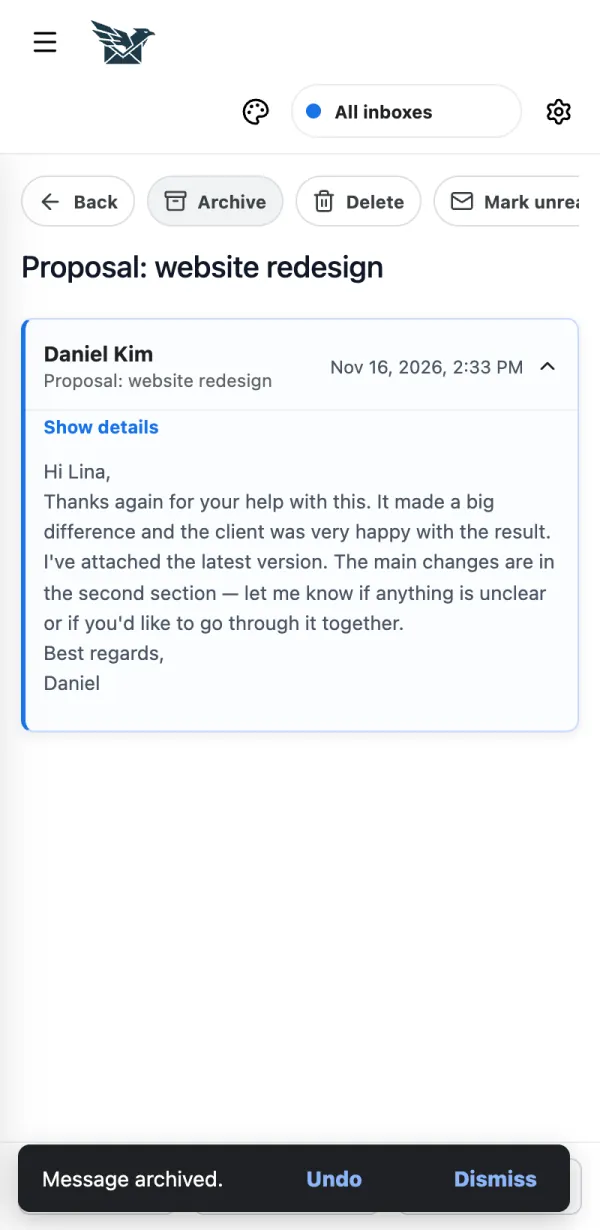
Changed your mind? Tap Undo within 7 seconds.
If it doesn't work
- Delete moves the email to Trash. It is not gone forever.